

![Rhino CAD Software: Complete Guide to Download, Pricing in India and Free Trial [2026]](https://kaarwan.s3.amazonaws.com/public/blog/media/galaxy-soho-1989816_640.jpg)
Are you ready to take your architectural designs to the next level? Rhino CAD has been one of my go-to tools for transforming ideas into reality. Whether you're an architecture student still exploring different design paths or a seasoned professional seeking precision, Rhino CAD offers that perfect balance between functionality and flexibility.
In this guide, I will walk you through how to download Rhino CAD software, what it actually costs in India for students and professionals, whether a free version exists, and why architects keep coming back to it. If you are completely new to the software, start with our Rhino and Grasshopper basics — complete beginner's guide before downloading.
What Is Rhino CAD?
If you're in architecture, you've probably heard about Rhino CAD (short for Rhinoceros). It's a versatile 3D modeling software used by architects and designers for a wide variety of projects. Unlike other CAD programs, Rhino focuses on the simplicity of creating complex shapes. It’s particularly great for modeling organic surfaces, making it the darling of architectural enthusiasts who want to add more creative flair to their designs.
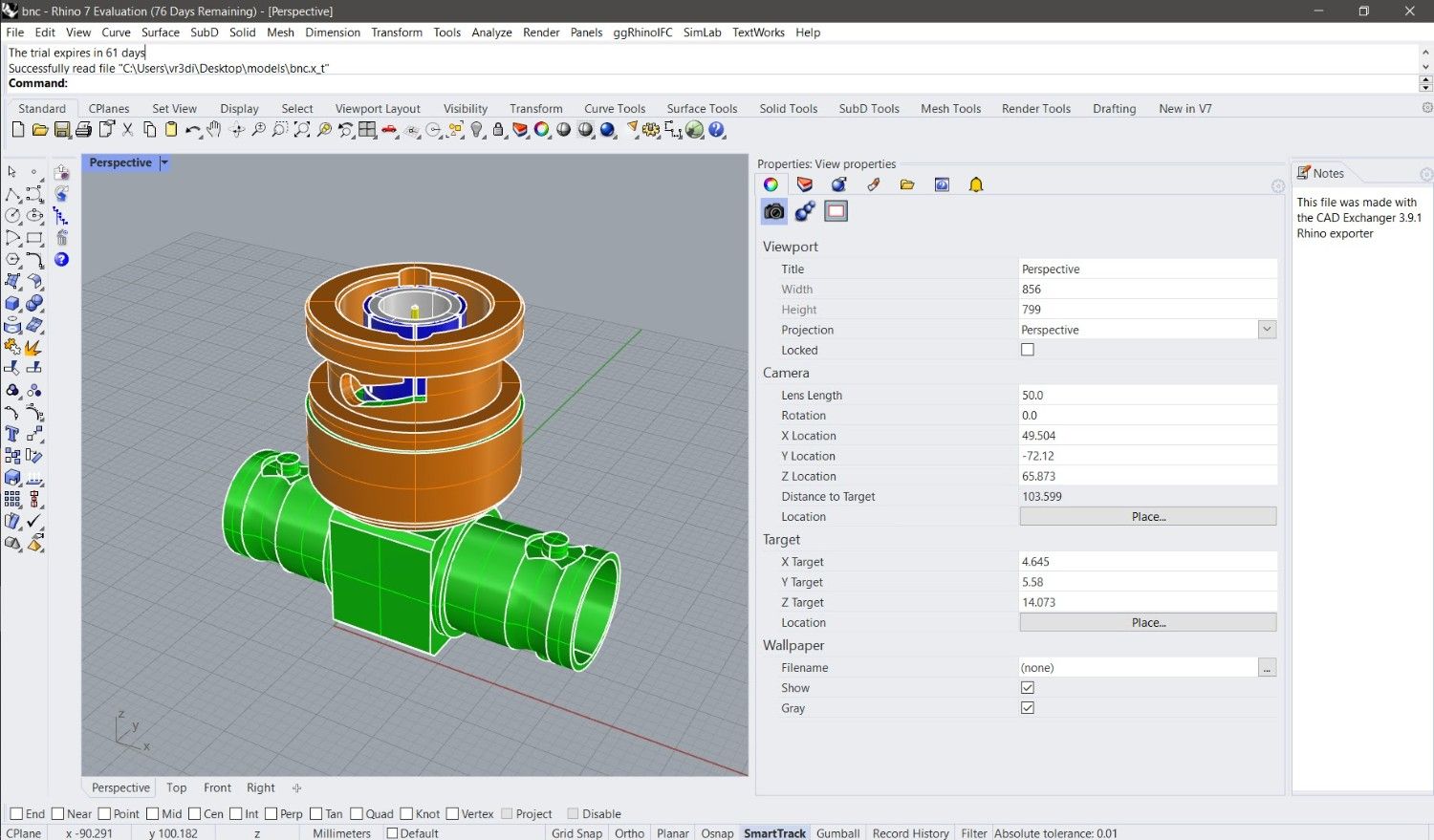
Image Credit: Rhino News
Why Architects Love Rhino
There are many reasons why architecture students and professionals are adopting Rhino for their projects:
- Ease of Use: Rhino’s learning curve is friendlier than you might expect. Even if you're a beginner, you can easily get a hang of its interface. I remember starting out feeling intimidated, but Rhino’s straightforward tools soon put me at ease.
- Flexibility in Design: Unlike other CAD tools that feel boxed-in, Rhino lets you work on anything—from designing furniture to shaping skyscrapers. The software provides advanced tools for curves, meshes, and other complex geometries. For architecture students, this kind of flexibility is key to experimenting and finding your style.
- Compatibility: Rhino works seamlessly with other design software like AutoCAD, Revit, and SketchUp. This makes integrating Rhino into your architectural workflow simple and efficient.
How to Download Rhino CAD Software
Let’s get into the practical side of things. Downloading Rhino CAD is straightforward, but I’ll break it down into easy steps:
Step 1: Visit the Rhino Website
Head over to the official Rhino CAD website. You'll see options to download different versions, depending on whether you’re running Windows or macOS.
Step 2: Choose the Right Version
There are a few options available, like Rhino 8 or earlier versions. If you’re a student, you can get a significant discount on the student license. Rhino even offers a 90-day trial for new users—which I highly recommend if you're just getting started.
- Rhino 8: This is the latest version and includes improvements such as SubD modeling and a more intuitive rendering engine. I’ve found Rhino 8’s SubD tools to be an absolute game-changer for working on intricate architectural designs.
Step 3: Installation Process
Once you download the installer, simply follow the on-screen prompts to install Rhino on your computer. It’s a light-weight installation compared to many other CAD tools out there, which is great if you don’t have a high-end computer.
Step 4: Licensing and Activation
If you're opting for a trial, you’ll need to activate Rhino online. The full license can be activated in a similar manner, with options for standalone or cloud-based licenses. Personally, I opted for the standalone license because I switch between devices often.
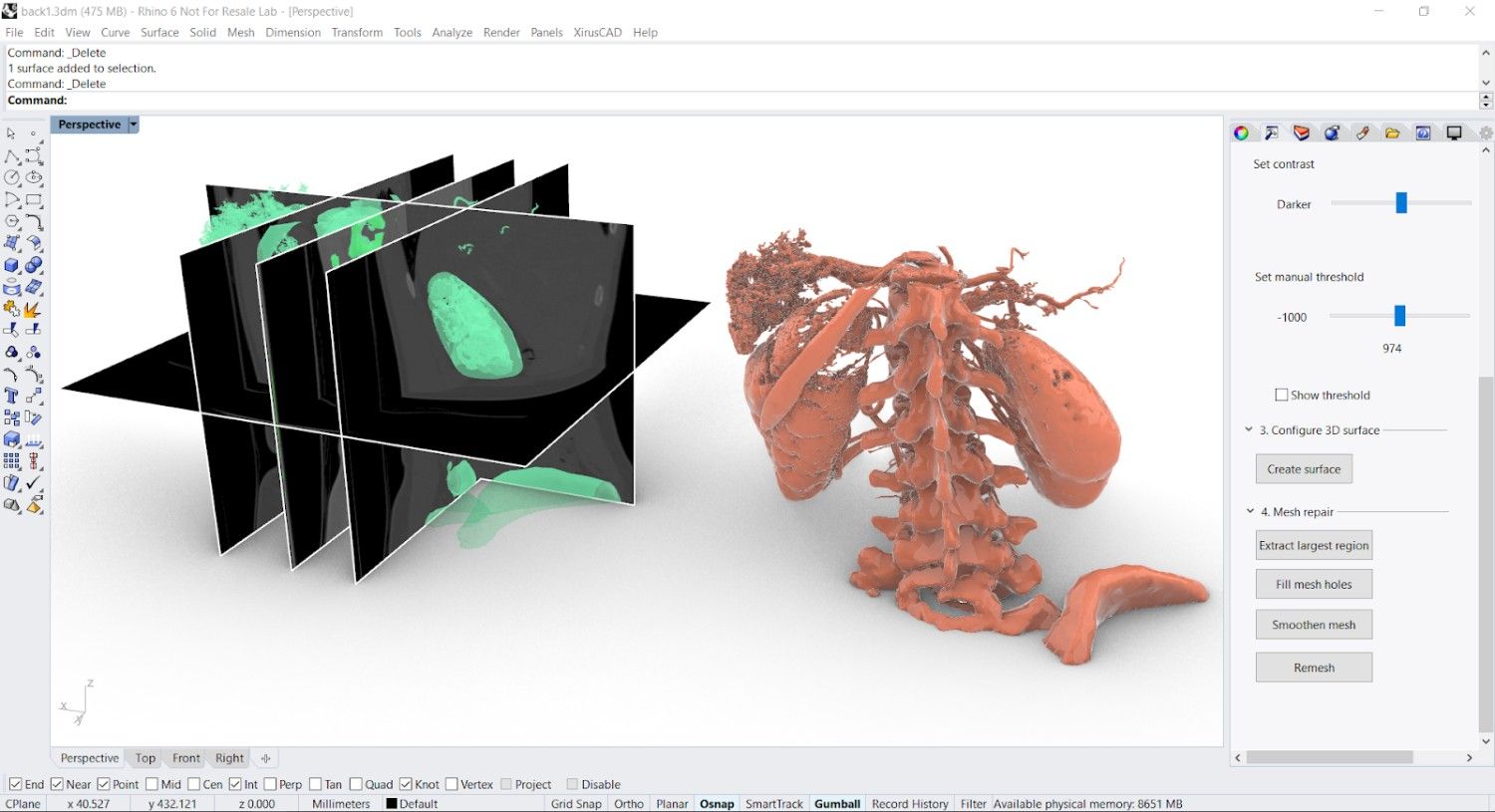
Image Credit: Rhino News
Rhino Software Price in India: Student License, Commercial License and Free Trial Options
This is one of the questions Indian architecture students search for most — and it is almost never answered clearly anywhere. So here is the actual breakdown.
Rhino 7 Pricing in India
Rhino 7 is still very much in active use. Many Indian architecture firms and colleges continue to run Rhino 7 in their workflows — partly because the cost is lower and partly because it covers everything most architectural projects require.
- Commercial license — approximately ₹77,000 to ₹90,000 (varies by reseller)
- Student license — approximately ₹18,000 to ₹22,000
Rhino 7 is fully functional for the vast majority of architectural applications. If your college or studio specifically uses Rhino 7, this is the version to target.
Rhino 8 Pricing in India
Rhino 8 is the current version as of 2026. It introduced ShrinkWrap, SubD Creases, significantly improved Mac performance, and a more capable Grasshopper integration — all meaningful improvements for architectural workflows.
- Commercial license — approximately ₹95,000 to ₹1,10,000 (varies by reseller)
- Student license — approximately ₹25,000 to ₹35,000
The student license for Rhino 8 globally is priced at $195 USD — giving you a perpetual license with full commercial use rights and no expiry date. That last part is actually remarkable. You buy it once, it never expires, there are no maintenance fees, and you can use it professionally.
Free Trial — The Smartest Starting Point
Before buying anything, use the free trial. Rhino offers a full 90-day trial — no features locked, no watermark, no payment required. Download it from the official Rhino3D website, create an account, and you are running the complete software within minutes.
After 90 days, saving and plugins stop working — but the viewer remains functional. The 90-day window is genuinely enough to decide whether Rhino fits your workflow and which license level makes sense for you.
Student Verification in India
Architecture students at most Indian colleges can verify their enrollment through the official Rhino website to access student pricing. The discount is substantial — up to 80% off the commercial price. Most Indian architecture colleges and universities are eligible.
Before purchasing a full license, read our honest guide on whether Rhino and Grasshopper certification is worth the investment →
Learning Rhino for the first time? Kaarwan's Rhino and Grasshopper Certification Course guides you step by step through complete Rhino workflows — from basic modelling to advanced parametric design.
Rhino 7 Free Download: Trial Version and Older Versions Guide
Rhino 7 is not permanently free, but — like Rhino 8 — it offers a free 90-day trial you can download from the official Rhino3D website. Here are the steps specifically for Rhino 7.
How to download the Rhino 7 trial:
- Go to rhino3d.com
- Navigate to the Downloads section
- Select Rhino 7 from the version options (listed under Legacy Downloads)
- Choose Windows or Mac
- Download and install
- Activate with your email address — no payment required for the trial period
Rhino 7 vs Rhino 8 — which to download in 2026?
If your college or office specifically uses Rhino 7, download the Rhino 7 trial — the files and workflows will be consistent with your environment. If you are starting completely fresh in 2026 with no existing workflow constraints, Rhino 8 is the better choice — the improvements in SubD, rendering, and Grasshopper integration are meaningful for modern architectural work.
Both versions are fully capable for architectural modeling. The gap between them is not large enough to make Rhino 7 obsolete — which is why so many Indian firms still use it.
One important note: Do not use cracked or pirated Rhino versions. Files created in unofficial copies frequently contain errors and are not accepted in professional AEC firm workflows. The official 90-day trial is completely free, fully functional, and takes less than ten minutes to set up. There is genuinely no reason to use anything else.
Explore: Kaarwan Rhino and Grasshopper Certification
Rhino Architecture: Why This Tool Is a Must for Architects
Rhino architecture stands out because it’s not limited by traditional CAD constraints. This program really lets your creativity thrive, and it's not just about creating the geometry—it’s about bringing ideas to life.
Top Features of Rhino for Architecture
- SubD Modeling: Rhino 7 introduced Subdivision (SubD) modeling, which allows for freeform shape creation. This feature is fantastic when trying to model complex, organic structures that are difficult to achieve in other CAD tools.
- Parametric Design with Grasshopper: For those looking to explore parametric design, Rhino’s Grasshopper plugin is a must. Grasshopper is a visual programming tool that works within Rhino and allows you to automate and generate complex forms through algorithms.
- Detailed Rendering: Rhino also supports realistic rendering. I remember the first time I used the built-in Cycles Renderer in Rhino, and it was so satisfying to see the level of detail it could provide—perfect for those final client presentations.
Tips for Using Rhino in Architecture
Get to Know Grasshopper
I cannot stress enough how important Grasshopper is when it comes to Rhino architecture. Learning Grasshopper opens up a whole new world of parametric and generative design. It might seem daunting initially, but it's a valuable skill for anyone in architecture.
Practice with Real Projects
When I first started, I found that the best way to learn was by modeling existing buildings or creating small furniture pieces. This hands-on experience helps you to understand how the software responds to your commands. Try working on a project that interests you—maybe model your favorite building!
Integrate Rhino with Other Software
One of Rhino's greatest strengths is its compatibility. You can use Rhino alongside Revit, AutoCAD, or SketchUp. For example, you could do detailed surface modelling in Rhino and then import the model into Revit for documentation.
Downloaded Rhino and ready to start learning? Kaarwan's Advanced Rhino and Grasshopper Certification Course is India's most comprehensive Rhino training, covering basic 3D modelling, advanced parametric design, Grasshopper scripting, and real project workflows used at top AEC firms. Placement support and an industry-recognised certificate are included. Explore Kaarwan Rhino and Grasshopper Certification
Conclusion
Rhino CAD has been a transformative tool for thousands of architects in India — from B.Arch students exploring complex geometry for the first time to professionals delivering parametric facades on commercial projects. It is versatile, capable, and the 90-day free trial means there is no barrier to trying it properly before you spend anything.
Once you have downloaded Rhino and want to structure your learning, here is a complete guide to the best Rhino courses for architects to help you choose your learning path.
FAQs
1. Is Rhino CAD Free?
Rhino CAD is not free, but it does offer a 90-day trial period for new users. If you are a student, you can also get a discount on a full license.
2. Can I Use Rhino on a Mac?
Yes, Rhino is available for both Windows and macOS. You’ll find the download options for both platforms on their official website.
3. Do I Need to Know Grasshopper to Use Rhino?
No, Grasshopper is not mandatory, but it is an extremely powerful plugin that enhances Rhino’s capabilities—especially for architects interested in parametric design.
4. What Is the Latest Version of Rhino?
The latest version is Rhino 8, which includes new features like SubD modeling and better rendering tools.
5. Can I Use Rhino for Rendering?
Yes, Rhino has built-in rendering tools such as the Cycles Renderer, which provides realistic and detailed rendering options. You can also use third-party rendering plugins like V-Ray for more advanced rendering capabilities.
6. What is the price of Rhino software in India for architecture students?
Rhino student licenses in India are available at approximately ₹18,000 to ₹35,000 depending on the version. Rhino 7 student license costs approximately ₹18,000 to ₹22,000. Rhino 8 student license costs approximately ₹25,000 to ₹35,000. Students need to verify their enrollment through the official Rhino website to access discounted pricing. The free 90-day trial is available before purchasing and includes full functionality with no features restricted. For architecture students in India learning Rhino for career purposes, Kaarwan's Rhino and Grasshopper certification is a structured learning path alongside the software. Learn More, Kaarwan Rhino and Grasshopper Certification
7. Is Rhino 7 available as a free download?
Rhino 7 is not permanently free but Rhino offers a free 90-day full-feature trial that can be downloaded from the official Rhino3D website. The trial includes complete functionality with no features locked or limited. After 90 days a license purchase is required. Rhino 7 trials are still available even though Rhino 8 is the current version — useful for students whose colleges or offices still use Rhino 7 specifically.
8. What is the difference between Rhino 7 and Rhino 8?
Rhino 8 introduced improved SubD modeling tools with SubD Creases, ShrinkWrap for creating watertight meshes from any geometry, significantly improved rendering with a new Cycles-based engine, a faster and more customisable interface especially for Mac users, and better Grasshopper data types and integration. For most architectural applications both versions work well. Rhino 7 is still widely used in Indian architecture firms and is available at a lower price point. Kaarwan's Rhino and Grasshopper certification covers workflows compatible with both Rhino 7 and Rhino 8. Explre Kaarwan Rhino and Grasshopper Certification course.




