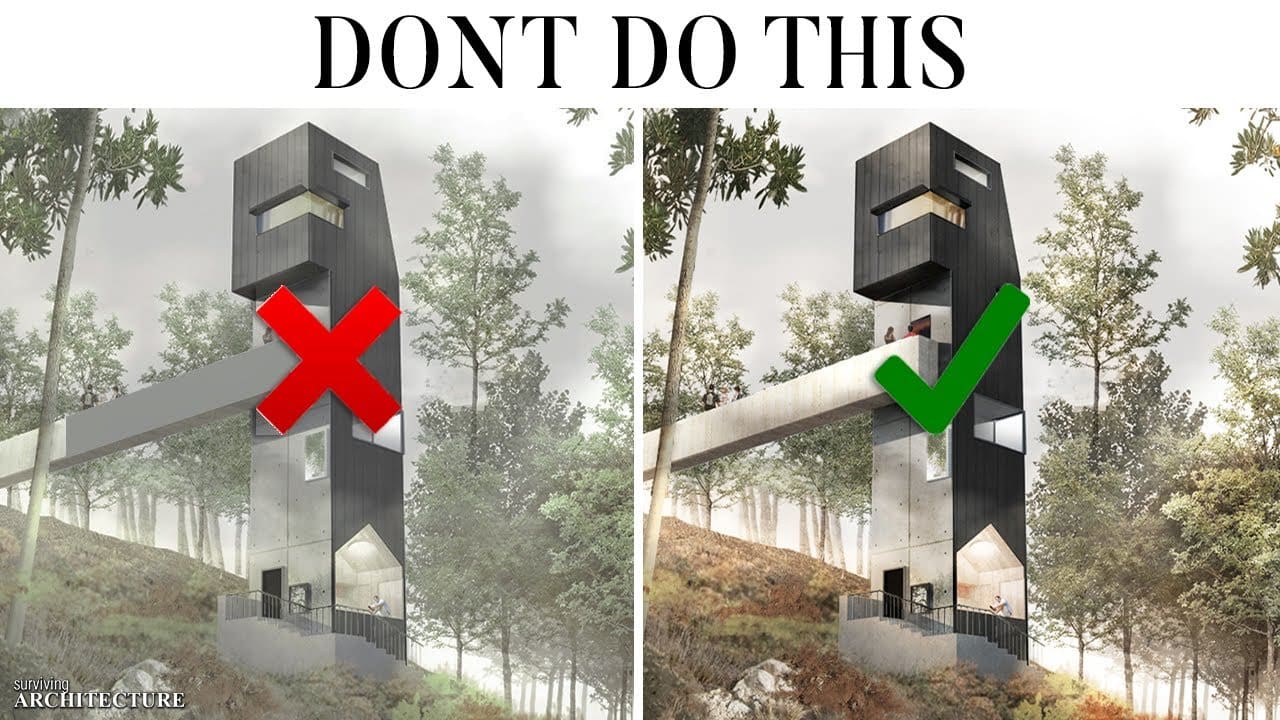
Architectural Rendering Mistakes Every Beginner Makes
Good models don’t guarantee good renders.
You spent hours modeling. The design is solid. The composition feels right.
Then the final render comes out… flat, artificial, overexposed, or strangely lifeless.
Rendering is not just pressing “Render.” It is visual storytelling. And most beginners repeat the same avoidable mistakes.
Let’s fix them.
1. Overusing Artificial Lighting
Beginners often flood interiors with too many artificial lights.
Result:
- Harsh shadows
- Unrealistic glow
- Burnt highlights
Fix: Start with natural lighting first. Use sun and sky systems correctly. Add artificial lights only where functionally necessary.
2. Ignoring Real-World Scale
Tiny trees. Giant door handles. Unrealistic ceiling heights.
Small scaling errors instantly break realism.
Fix: Always model using accurate dimensions. Cross-check with standard human scale references.
3. Unrealistic Material Settings
Perfect white walls. Mirror-like wood. Plastic-looking concrete.
Most beginners don’t adjust:
- Roughness
- Reflection
- Bump maps
- Texture scale
Fix: Study real materials. Nothing in real life is perfectly smooth or perfectly reflective.
4. Over-Saturated Colors
Bright green grass. Neon blue sky. Over-pink sunsets.
It feels dramatic but not believable.
Fix: Tone down saturation. Subtlety creates realism. Use color grading gently in post-production.
5. Poor Camera Composition
Placing the camera too high or too wide creates distortion.
Common beginner error:
- Bird’s-eye interior views
- Extreme wide-angle lenses
Fix: Set camera height around 1500–1700 mm for interiors.Avoid ultra-wide distortion unless intentional.
6. No Story or Context
An empty space feels sterile.
Adding people randomly without scale logic feels worse.
Fix:Add meaningful context:
- Subtle human silhouettes
- Furniture usage cues
- Environmental surroundings
Rendering is storytelling, not decoration.
7. Overdoing Post-Production
Too much bloom. Too much vignette. Excessive contrast.
Heavy editing makes renders look artificial.
Fix: Use post-production to enhance, not rescue, the render.
8. Ignoring Light Direction
If shadows fall in different directions, the brain notices instantly.
Fix: Ensure:
- Sun angle matches sky
- Interior lights align with shadows
- Reflections are physically accurate
Consistency creates believability.
9. Rendering Before Finalizing Design
Many beginners render unfinished ideas.
If proportions are wrong, no amount of lighting can fix it.
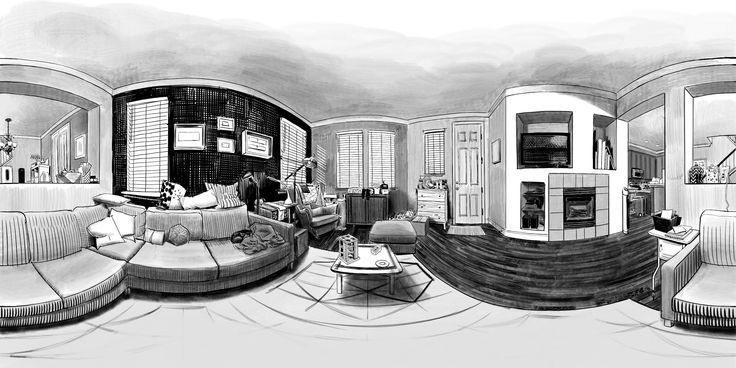
Fix: Refine design first. Render second.
10. Not Optimizing Workflow
Long render times. Crashes. Noise issues.
Often caused by:
- Unoptimized geometry
- Excessive polygons
- High unnecessary settings
Fix: Balance quality with efficiency. Learn render engine settings properly.
What Makes a Render Look Professional?
Professional renders share these traits:
- Realistic lighting hierarchy
- Balanced exposure
- Material authenticity
- Strong composition
- Clear narrative
They feel calm, not loud.
Why Rendering Skills Matter for Architecture Students
Today, firms expect:
- Portfolio-ready visuals
- Competition-level quality
- Clear communication of concepts
Strong rendering can:
- Improve internship chances
- Elevate portfolios
- Win juries
But only if it looks believable.
How Kaarwan Helps You Avoid These Mistakes
At Kaarwan, we focus on practical visualization training — from modeling fundamentals to realistic rendering workflows using industry tools.
Explore courses in:
- Architectural visualization
- BIM and modeling
- Material detailing
- Portfolio development
Also read:
- Free AI Tools for Architecture Students
- Why Learning Revit Before Graduation Changes Your Career
- Design Principles Every Architect Uses
Because rendering is not about software.It is about perception.