Building Information Modeling (BIM) has become an essential tool in architecture, engineering, and construction. But with so many options available, navigating BIM pricing, licensing models, and hidden costs can be overwhelming. Whether you're a student, a freelancer, or part of a large firm, choosing the right budget-friendly BIM tools while ensuring a good BIM ROI is crucial. If you're planning to build hands-on expertise, explore our Advanced Revit BIM Certification Course.
In this guide, I’ll break down the costs of popular BIM software, compare pricing models, and explore ways to minimize expenses.
BIM software pricing usually ranges from ₹25,000 to ₹2,00,000 per year, depending on the tool, license type, subscription model, and whether it is for an individual user or a small architecture firm.
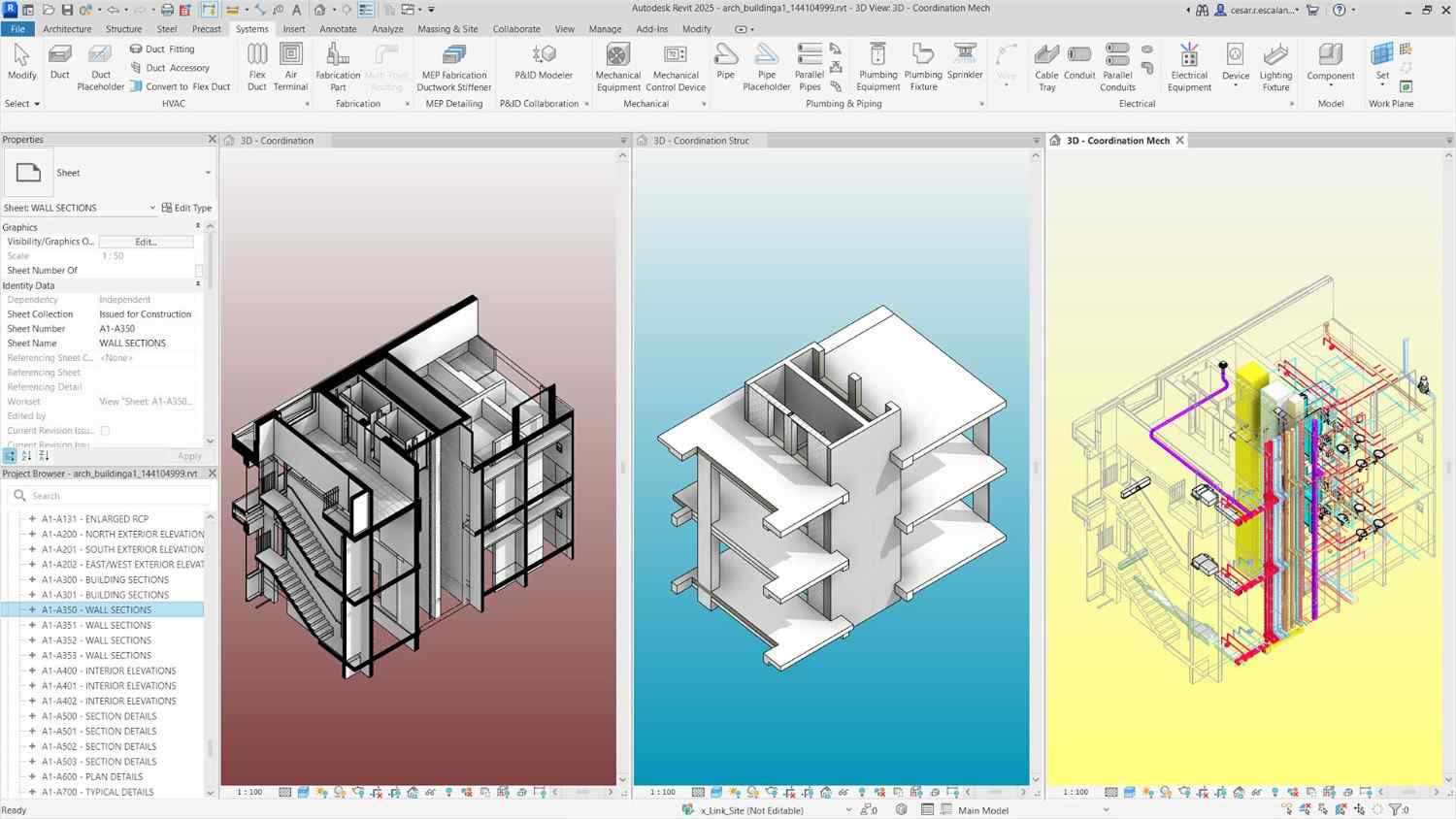
Image Credit: lodplanner.com
What Influences BIM Software Cost?
Several factors impact BIM software cost, including:
- Licensing Model – Subscription vs. Perpetual vs. Pay-as-you-go
- Features & Capabilities – Advanced features cost more
- User Type – Individual, Small Business, or Enterprise pricing
- Add-ons & Plugins – Extra tools can drive up costs
- Cloud vs. On-Premise – Cloud-based solutions often require a monthly fee
Understanding these elements helps in selecting affordable BIM software that meets your needs. If you're planning to work professionally with BIM tools and workflows, our Advanced Revit BIM Certification Course can help you build practical project-ready skills.
BIM Licensing Models: Which One is Best for You?
1. Subscription-Based Licensing
Most modern popular BIM software tools offer subscription-based pricing. This means you pay a recurring fee, usually monthly or annually.
Pros:
- Lower upfront cost
- Regular software updates
- Cloud storage & collaboration features
Cons:
- Costs accumulate over time
- Requires consistent payments
2. Perpetual Licensing
Some software providers still offer one-time purchases for a license that you own permanently.
Pros:
- Pay once and use forever
- No recurring costs
Cons:
- Higher initial cost
- May require separate payment for upgrades
3. Pay-As-You-Go (Usage-Based Licensing)
This model is relatively new, where users pay for the time they use the software.
Pros:
- Flexible pricing
- Great for short-term projects
Cons:
- Can be expensive if used frequently
Comparing the Cost of Popular BIM Software
Autodesk Revit Cost
- Monthly Plan: $335/month
- Annual Plan: $2,675/year
- Perpetual License: No longer available
Revit is one of the most widely used BIM tools, but its high price makes it difficult for individuals and small firms to afford.
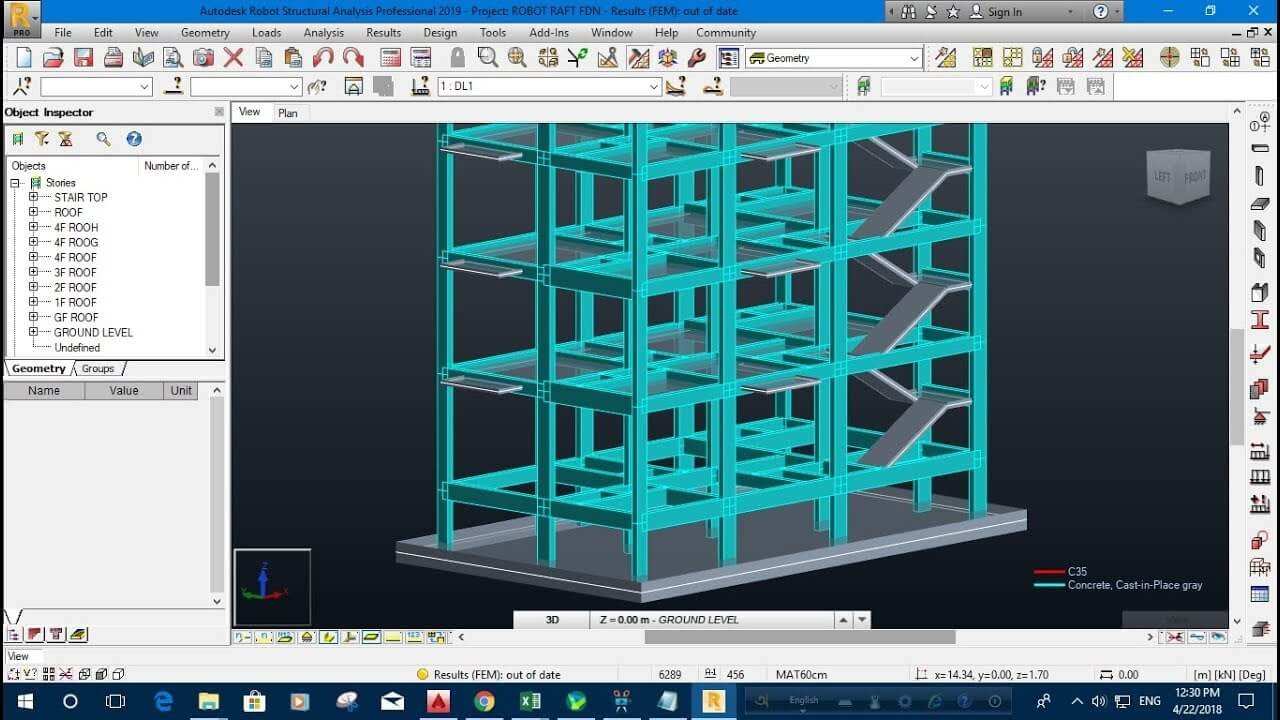
Image Credit: Autodesk.com
Tekla Pricing
- Subscription Plan: Starts at $1,200/year (varies based on features)
- Perpetual License: Available, but costly
Tekla is great for structural engineers, but it may not be the best choice for those looking for affordable BIM software.
Archicad Pricing
- Subscription Plan: Starts at $2,450/year
- Perpetual License: Available, typically around $6,000
Archicad is known for its user-friendly interface and is a strong alternative to Revit.
Vectorworks Pricing
- Subscription Plan: $153/month or $1,530/year
- Perpetual License: Available, starting at $3,000
Vectorworks is a great choice for architects who need budget-friendly BIM tools.
BricsCAD BIM Pricing
- Subscription: Starts at $1,350/year
- Perpetual License: Available, around $2,600
BricsCAD is a cost-effective alternative with strong BIM capabilities.
BIM Software Pricing Comparison Table
To make it easier to compare popular BIM tools, here’s a quick overview of their typical pricing and ideal use cases
| Software | Pricing | Best suited for |
| Autodesk Revit | Starts at $335/month or $2,675/year | Large architecture and engineering firms |
| Tekla | Pricing varies based on modules and features | Structural engineering teams |
| Archicad | Starts at $2,450/year | Architects and design studios |
| Vectorworks | Starts at $153/month or $1,530/year | Freelancers and small design teams |
| BricsCAD BIM | Starts at $1,350/year | Budget-conscious small firms |
Also read our blog on Revit vs Archicad vs Tekla software comparison.
Free BIM Software Options
If you’re a student or just starting out, consider these free BIM software options:
- Free Revit for Students – Autodesk offers free access for educational use.
- BlenderBIM – Open-source BIM tool with growing popularity.
- BIMcollab Zoom – Free version available for model checking.
- SketchUp Free – Good for basic modelling but lacks full BIM capabilities.
These tools provide a great entry point before investing in paid solutions.
Find your dream niche without overspending—then let our skill test show you what your heart’s been hiding.
Hidden Costs to Watch Out For
Beyond the BIM subscription plans, there are additional costs you should consider:
- Training & Learning Curve – Some BIM tools require extensive training.
- Hardware Upgrades – High-end BIM software demands powerful PCs.
- Add-ons & Plugins – Many features require separate purchases.
- Collaboration Costs – Cloud collaboration often has additional fees.
- Support & Maintenance – Paid customer support might be necessary.
How to Choose the Right Budget-Friendly BIM Tool
Here are some tips to get the best BIM ROI:
- Consider your project needs – Don't overpay for features you won't use.
- Look for educational discounts – Many software companies offer student pricing.
- Compare licensing options – Subscription may not always be the cheapest.
- Check for open-source alternatives – Free BIM software is improving every year.
- Leverage trial versions – Test before you buy.
If you’re planning to build practical BIM skills after choosing the right software, check our BIM certification and advanced learning resources.
Final Thoughts
Choosing the right BIM software cost structure is critical for students and professionals alike. By understanding BIM pricing, exploring BIM licensing models, and considering affordable BIM software, you can make a well-informed decision that balances cost and value.
Want to take your BIM skills to the next level? Check out our Advanced BIM Course, where we break down real-world applications and efficiency strategies!
Check out our past learners, work here. Feel free to visit our website Kaarwan for more!
FAQs
1. What is the cheapest BIM software available?
Some affordable BIM software options include BlenderBIM (free), SketchUp Free, and BricsCAD BIM, which is a lower-cost alternative to Revit for students, freelancers, and small firms.
2. Can students get free access to BIM software?
Yes! Autodesk provides free access to Revit for students, and other software providers offer discounts or free trials.
3. Is Revit worth the high subscription cost?
Revit is powerful, but if you're on a budget, consider alternatives like Archicad, BricsCAD, or Vectorworks.
4. What is the best BIM software for freelancers?
For freelancers, BricsCAD BIM, Archicad, or Vectorworks offer more flexible pricing compared to Revit.
5. How can I reduce BIM software costs?
To reduce BIM software costs, consider educational licenses, open-source alternatives, and flexible subscription plans based on your project requirements.