


Think about the apps and websites you use daily. What keeps you coming back? Maybe it’s the thrill of unlocking achievements in a fitness app, earning points on an e-learning platform, or maintaining a streak on a habit-tracking tool. These aren’t just coincidences; they are intentional design strategies leveraging gamification to enhance user experience (UX).
Gamification in UI/UX design involves integrating game-like elements into digital products to make them more engaging, interactive, and rewarding. It taps into human psychology, motivating users to interact with an app or website in a way that feels fun and fulfilling rather than like a chore.
This blog explores how gamification enhances UI/UX, the key psychological principles behind it, and the best practices for effective implementation.
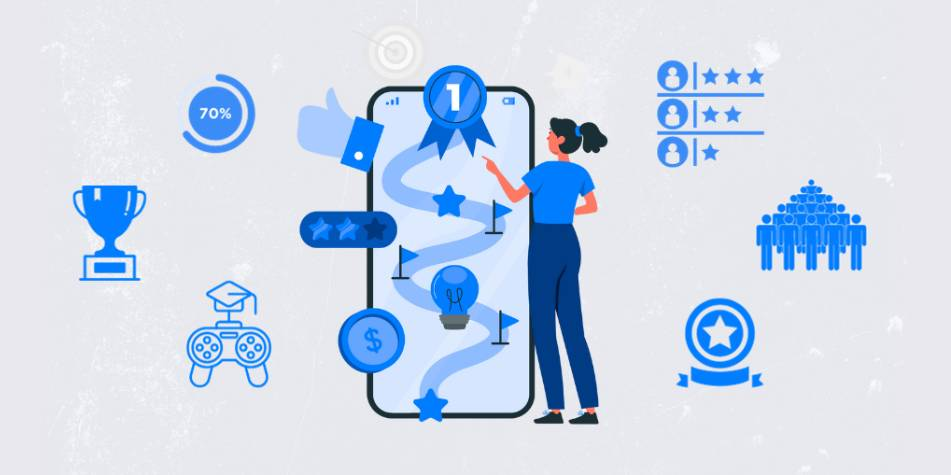
Why Gamification Works in UI/UX Design
Gamification works because it aligns with core psychological triggers that influence human behavior. When implemented correctly, it creates a more immersive and engaging user experience.
1. Dopamine & Instant Gratification
Every time a user achieves something—completing a task, earning a badge, or progressing to the next level—the brain releases dopamine, the neurotransmitter responsible for pleasure and motivation. This creates a cycle where users crave the same rewarding feeling, keeping them engaged.
2. The Power of Goal Setting
People are naturally goal-oriented. Whether it’s filling out a LinkedIn profile, reaching a savings goal in a finance app, or unlocking a new level in a language-learning app, structured progression drives user motivation.
3. Social Influence & Competition
Leaderboards, multiplayer challenges, and social sharing features make users feel like part of a community. Healthy competition encourages users to push themselves further, increasing retention.
4. The Element of Surprise
Random rewards and surprises keep users engaged because they don’t know what to expect next. This is why many apps use mystery rewards, bonus levels, and Easter eggs to maintain curiosity.
5. Habit Formation & Long-Term Engagement
Habit-forming apps use streaks, reminders, and incremental goals to ensure users keep coming back. For example, Duolingo’s streak feature keeps users committed to language learning over time.
Key Gamification Elements in UI/UX
Gamification isn’t about turning an app into a game—it’s about incorporating game mechanics that enhance usability and engagement. Here are the most effective elements:
1. Progress Indicators
- What it does: Gives users a sense of accomplishment.
- Example: LinkedIn’s profile completion bar encourages users to fill in missing details.
2. Rewards & Achievements
- What it does: Recognizes and reinforces positive behavior.
- Example: Fitbit awards virtual badges when users reach step milestones.
3. Leaderboards & Social Challenges
- What it does: Encourages healthy competition and social sharing.
- Example: Kahoot’s quiz leaderboards boost classroom engagement.
4. Storytelling & Interactive Elements
- What it does: Creates emotional engagement.
- Example: Habitica turns daily tasks into an RPG-style adventure.
5. Streaks & Daily Goals
- What it does: Encourages consistency.
- Example: Snapchat streaks keep users engaged daily.
6. Unlockable Content & Levels
- What it does: Rewards users with exclusive content.
- Example: Learning apps like Duolingo unlock new modules after mastering previous ones.
7. Time-Based Challenges
- What it does: Creates urgency and motivation.
- Example: E-commerce flash sales trigger immediate action.
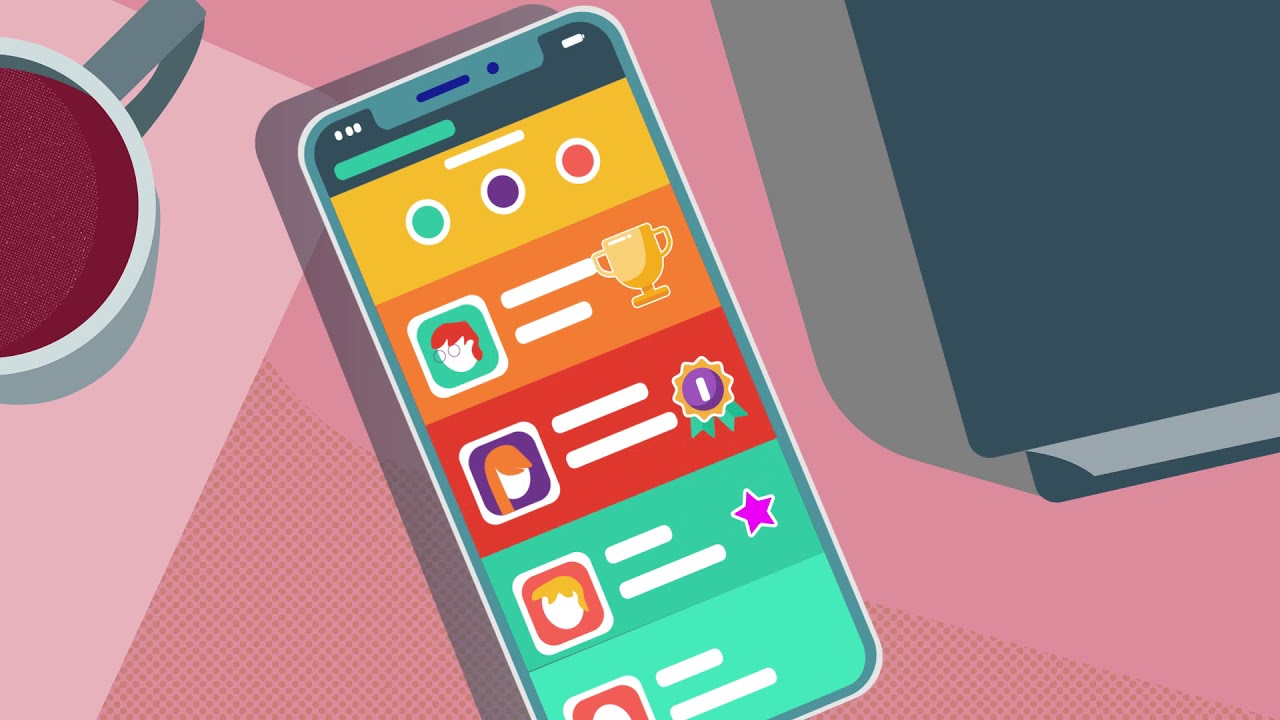
Best Practices for Implementing Gamification in UI/UX
1. Understand Your Audience
Not all users are motivated by the same factors. Conduct user research to determine whether your audience responds better to competition, collaboration, or personal achievements.
2. Keep It Subtle & Natural
Gamification should enhance the experience, not distract from it. Overloading an interface with too many game mechanics can make it overwhelming.
3. Provide Meaningful Progression
Users should always know what they need to do next. A clear, structured reward system prevents frustration and keeps them engaged.
4. Ensure Seamless Visual Integration
Gamification elements should be incorporated into the UI without cluttering the design. A clean, intuitive layout enhances user experience.
5. Balance Challenge & Reward
Too easy? Users lose interest. Too difficult? Users feel discouraged. The right balance keeps users engaged without overwhelming them.
6. Use A/B Testing for Optimization
Not all gamification features work the same for every audience. A/B testing different elements (badges, leaderboards, points) helps determine what maximizes engagement.
Common Pitfalls to Avoid in Gamification
While gamification can significantly enhance UX, poor implementation can have the opposite effect. Here’s what to watch out for:
1. Over-Gamification
Too many game elements can make an interface feel like a game rather than a functional product. Balance entertainment with usability.
2. Unclear Goals & Rewards
Users should clearly understand how they earn points, rewards, or badges. Vague incentives lead to frustration.
3. Forced Competition
Not everyone enjoys competition. Make sure leaderboards and competitive challenges are optional rather than mandatory.
4. Ignoring Accessibility & Inclusivity
Gamification should be accessible to users of all abilities. Avoid elements that may exclude people with disabilities.
5. Short-Term Engagement Without Retention
A successful gamification strategy keeps users engaged long-term rather than just offering one-time novelty.

The Future of Gamification in UI/UX
As technology evolves, AI, AR, and VR will take gamification in UI/UX to the next level. Future advancements include:
- AI-driven personalized challenges based on user behavior.
- Immersive AR & VR elements for enhanced engagement.
- Adaptive difficulty levels that adjust based on user performance.
- Real-time feedback loops to provide instant motivation.
Businesses that strategically implement gamification will see higher user retention, increased engagement, and improved customer satisfaction.
Conclusion
Gamification is not just a trend—it’s a powerful UX strategy that enhances engagement, motivation, and user satisfaction. Whether it’s progress tracking, rewards, or social challenges, game mechanics make digital interactions more enjoyable and rewarding.
When done right, gamification encourages consistent engagement, boosts user retention, and drives conversions. The key is aligning game elements with user needs to create experiences that feel natural, intuitive, and genuinely rewarding.
Level up your UI/UX skills! Learn to create stunning interfaces and seamless user experiences with our Advanced UI/UX Design Course. Boost your career and design products that stand out.
Enroll today at Kaarwan for more insights!
FAQs
1. How does gamification improve UI/UX design?
It enhances engagement by incorporating game-like elements such as rewards, leaderboards, and progress tracking, making digital experiences more interactive and enjoyable.
2. What are the key elements of gamification in UI/UX?
The main elements include progress indicators, badges, leaderboards, storytelling, and streaks, all designed to keep users motivated and engaged.
3. Can gamification be overused?
Yes. Overusing gamification can overwhelm users and make experiences feel forced. It’s important to strike a balance to enhance usability without distraction.
4. What are some examples of successful gamification?
Duolingo for language learning, Fitbit for fitness tracking, and LinkedIn for professional networking all effectively use gamification.
5. Is gamification only for mobile apps?
No, gamification can be applied to websites, enterprise software, e-learning platforms, and even marketing campaigns.




