


Wireframing and prototyping are foundational steps in the UI/UX design process. These phases allow designers to create early visual representations of a product and test its functionality before diving into detailed design work. Wireframes help map out the basic structure, while prototypes bring interaction to life.
Choosing the right tools for wireframing and prototyping can make or break the design process. In this blog, we’ll explore the best tools available today that will help you create intuitive, user-friendly designs while improving efficiency and collaboration.
Why Wireframing and Prototyping Matter in UI/UX Design
Before jumping into specific tools, let’s quickly revisit why wireframing and prototyping are critical to the design process.
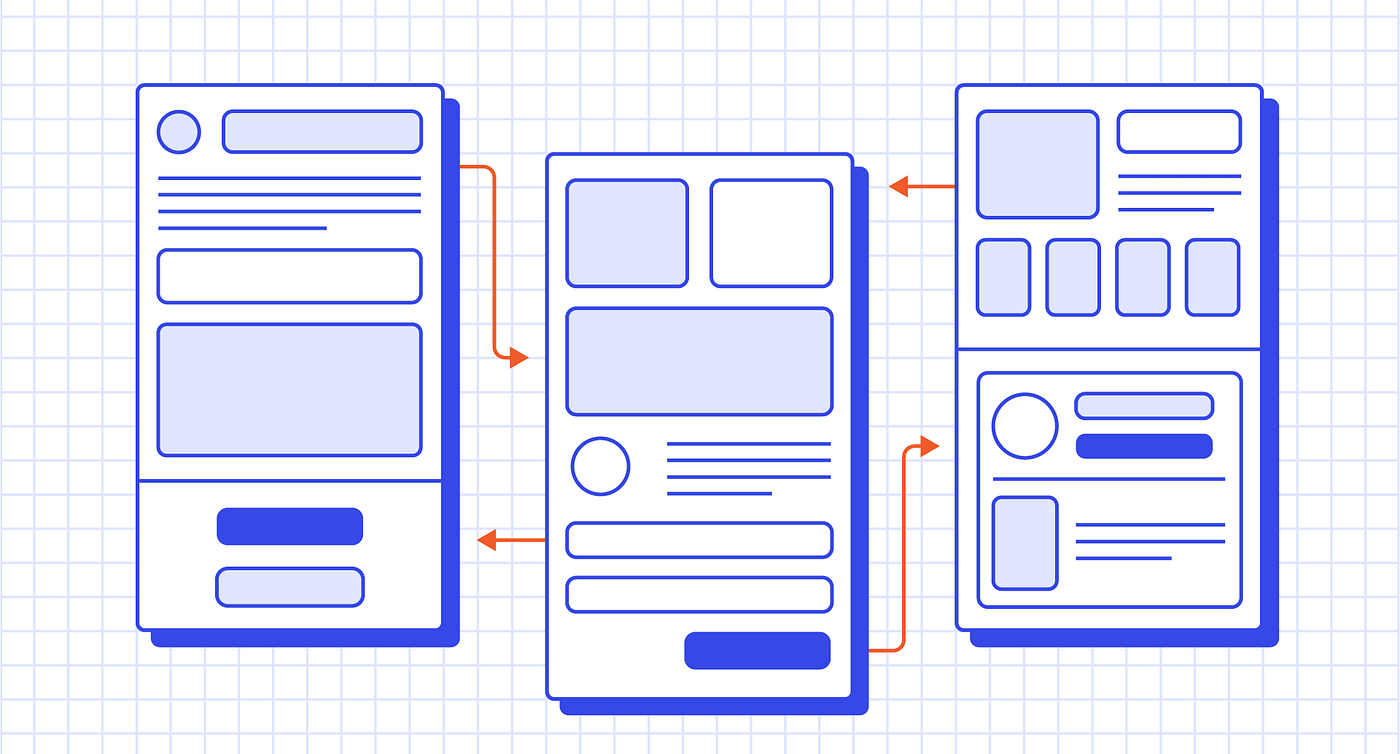
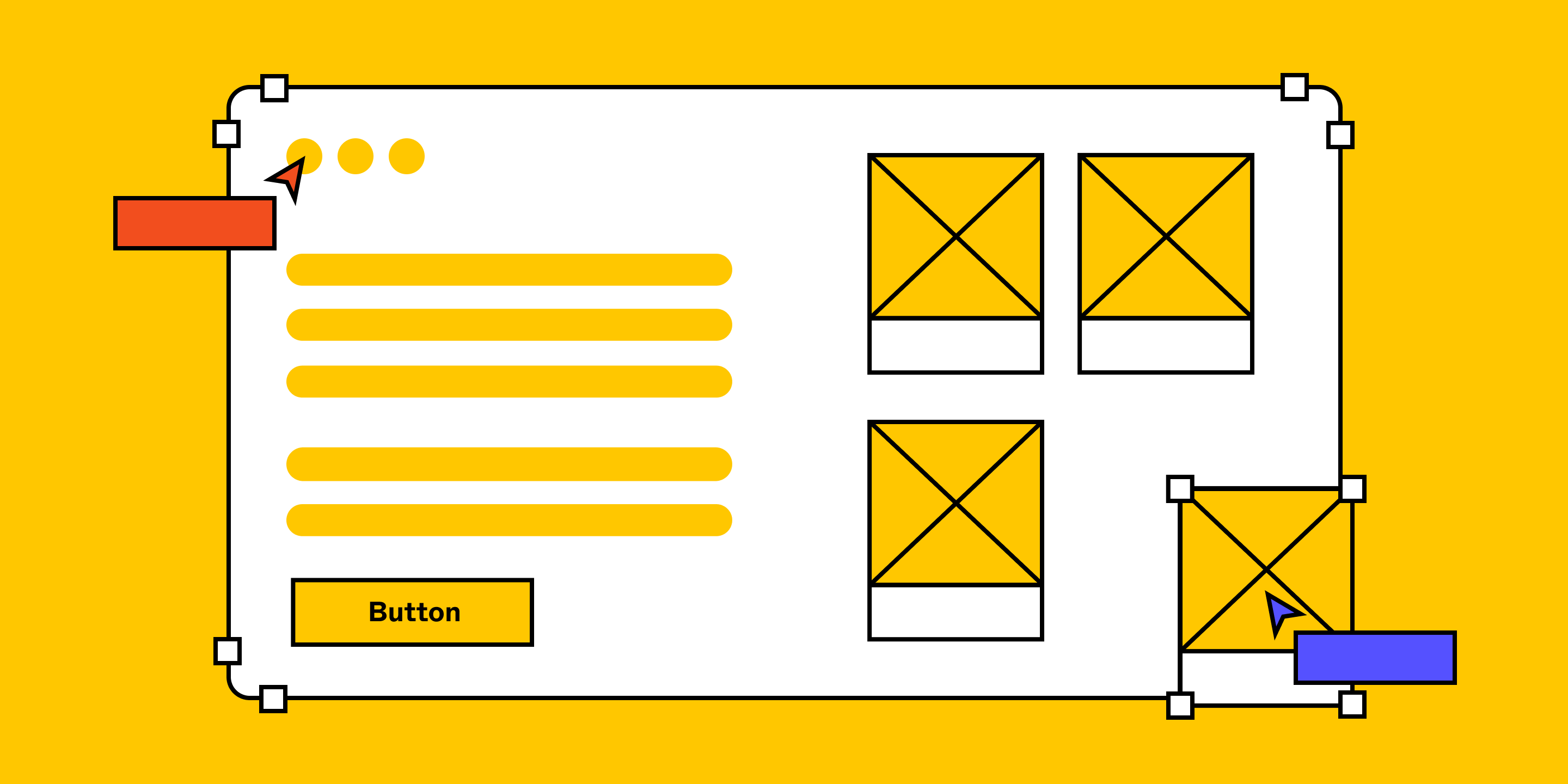
- Wireframes act as the blueprint for your website or app. They outline the layout and functionality without the distraction of colors, typography, or graphics.
- Prototypes are interactive representations of your product that simulate the user experience. They allow designers to test features and usability before development begins, saving time and resources.
Wireframing and prototyping are vital because they enable designers to:
- Visualize concepts quickly.
- Gather early feedback.
- Iterate designs efficiently.
- Collaborate effectively with teams and stakeholders.
Now, let’s dive into the best tools that can help you master these phases of design.
1. Figma
Figma is one of the most popular UI/UX design tools used for wireframing, prototyping, and collaboration. It’s a browser-based tool, which means that teams can collaborate in real time, making it a favorite for remote teams. Figma’s versatility and cloud-based nature make it an indispensable tool for modern design workflows.
Key Features:
- Real-time Collaboration: Multiple users can work on the same design simultaneously.
- Vector Networks: Powerful vector editing tools for high-quality, scalable designs.
- Prototyping Tools: Create interactive prototypes with transitions and animations.
- Comments and Feedback: Easily share your designs with stakeholders and receive feedback directly on the platform.
Why It’s Great for Wireframing and Prototyping:
Figma’s interactive prototyping capabilities allow designers to create click-through wireframes that simulate user interaction. Its user-friendly interface makes it accessible to both beginners and experienced designers alike.
2. Sketch
Sketch is a well-established tool in the design community, particularly for wireframing and prototyping. It’s widely favored for its simplicity, intuitive design, and powerful plugin ecosystem. Sketch is mainly used for UI design, but it can also handle some aspects of prototyping.
Key Features:
- Symbols and Reusable Components: Streamline design work by creating reusable elements.
- Vector Editing: Advanced vector editing tools to create precise shapes.
- Third-party Integrations: Use plugins to extend functionality and integrate with other tools like InVision and Zeplin.
- Interactive Prototyping: Create interactive wireframes and prototypes to demonstrate user flows.
Why It’s Great for Wireframing and Prototyping:
Sketch is perfect for creating static wireframes quickly. Its prototyping functionality allows designers to turn their wireframes into interactive models, showcasing the flow of a product without writing a line of code.
3. Adobe XD
Adobe XD is Adobe’s dedicated tool for wireframing, UI design, and prototyping. Known for its integration with other Adobe tools like Photoshop and Illustrator, XD provides an efficient workflow for designers working on complex projects.
Key Features:
- Design Systems: Build reusable components and maintain design consistency.
- Responsive Resize: Quickly adapt your design for different screen sizes and orientations.
- Interactive Prototypes: Create clickable prototypes with transitions, animations, and micro-interactions.
- Auto-Animate: Automatically animate transitions between artboards for a realistic experience.
Why It’s Great for Wireframing and Prototyping:
Adobe XD offers powerful prototyping features that allow designers to create interactive prototypes with ease. It also integrates well with other Adobe products, making it a great choice for designers already using tools like Photoshop or Illustrator.
4. Balsamiq
For designers looking for a rapid wireframing tool that’s simple and straightforward, Balsamiq is an excellent option. This tool focuses on quick wireframe creation with a hand-drawn, sketch-like aesthetic. It’s ideal for low-fidelity wireframing when you need to get ideas down fast.
Key Features:
- Low-fidelity Wireframes: Focus on functionality and structure without getting bogged down by visual design.W
- Drag-and-drop Interface: Easily add UI elements like buttons, text fields, and navigation bars.
- Collaboration: Share wireframes with stakeholders and gather feedback.
- Cloud-based and Offline Access: Available for both web and desktop, offering flexibility.
Why It’s Great for Wireframing and Prototyping:
Balsamiq is perfect for the early stages of the design process. Its low-fidelity approach helps designers quickly iterate without getting caught up in visual details.
5. InVision
InVision is another powerful prototyping tool that allows designers to turn static designs into fully interactive prototypes. While it’s often used in combination with tools like Sketch or Photoshop, InVision provides a complete set of features for wireframing, prototyping, and collaboration.
Key Features:
- Click-through Prototypes: Easily create interactive prototypes by linking screens.
- Collaborative Feedback: Gather feedback directly on the design, and use comments and annotations to improve the prototype.
- Design Handoff: Share designs with developers, making the handoff process seamless.
- Version Control: Keep track of revisions and ensure everyone is on the same page.
Why It’s Great for Wireframing and Prototyping:
InVision excels at prototyping, allowing designers to create realistic user flows and interactions. It’s also a powerful collaboration tool, making it easy for teams to provide input during the design process.
6. Marvel
Marvel is a cloud-based tool that simplifies wireframing and prototyping, offering a streamlined interface for designers who want to get things done quickly. Marvel is especially known for its ease of use and its integration with other design tools.
Key Features:
- Drag-and-drop Interface: Quickly build prototypes by dragging and dropping UI elements.
- Collaboration: Share prototypes with teams and clients for immediate feedback.
- User Testing: Conduct user testing directly within the platform to gather insights.
- Design Handoff: Prepare designs for developers with easy-to-use handoff tools.
Why It’s Great for Wireframing and Prototyping:
Marvel’s simple and intuitive interface makes it easy for beginners to start creating wireframes and prototypes without a steep learning curve.
Conclusion
The right wireframing and prototyping tools can drastically improve the efficiency and effectiveness of your UI/UX design process. Whether you’re working solo or as part of a team, the tools we’ve discussed in this blog offer a range of functionalities to fit different needs. From the real-time collaboration in Figma to the quick wireframing power of Balsamiq, there’s a tool out there for every type of designer.
When selecting a tool, consider factors like your team’s workflow, the complexity of the project, and the level of fidelity needed for your wireframes and prototypes. With the right tool, you can streamline your design process, collaborate more effectively, and ultimately create user interfaces that are both functional and engaging.
Master the art of crafting intuitive interfaces and unforgettable user experiences with our Advanced UI/UX Design Course. Gain hands-on skills, elevate your career, and create designs that leave a lasting impact.
Enroll now at Kaarwan and take your expertise to the next level!
FAQs
1. What is wireframing, and why is it important?
Wireframing is the process of creating a low-fidelity layout of a website or app to visualize its structure and user flow before detailed design work begins.
2. Can I use Figma for prototyping?
Yes, Figma is not only great for wireframing but also offers robust prototyping features, including animations and interactions.
3. Which wireframing tool is best for beginners?
Balsamiq is ideal for beginners due to its simple drag-and-drop interface and focus on low-fidelity wireframes.
4. Can I collaborate in real time with InVision?
Yes, InVision offers real-time collaboration and feedback, making it easy for teams to stay aligned on design updates.
5. What is the difference between wireframing and prototyping?
Wireframing is about layout and structure, while prototyping involves creating interactive models to test functionality and user flow.




