

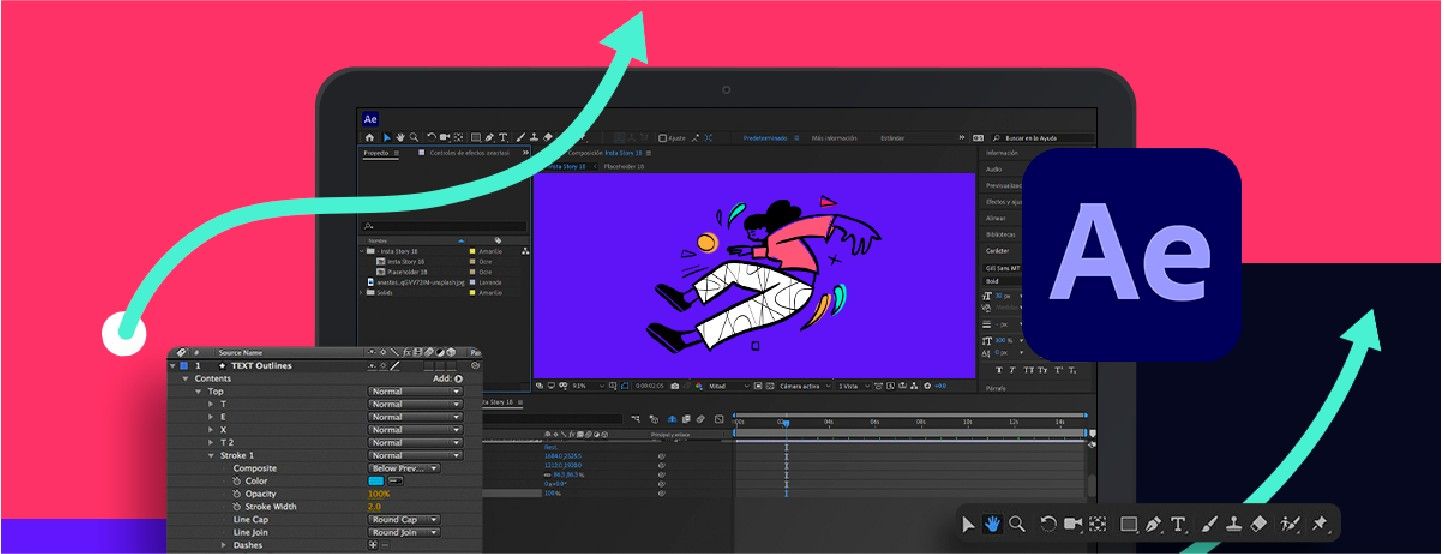
What if your ideas could move?
As architects and designers, we often think in motion — of trees growing over time, shadows shifting across a façade, or water gently flowing through a plaza. But traditional renderings can only show so much.
That’s where Adobe After Effects (AE) steps in.
AE isn't just for filmmakers. It’s a powerful storytelling tool — and yes, architects, landscape designers, and visualisers can use it to bring static drawings to life.
If you’ve ever asked:
- “Do architects really use After Effects?”
- “Is it worth learning motion design for my portfolio?”
- “How can I show sustainability ideas better?”
Then this blog is for you.
What Is Adobe After Effects?
Adobe After Effects is a motion graphics and compositing software used mainly for video post-production. But in the architecture world, it’s emerging as a creative bridge between design and impact.
You can use it to:
- Add moving elements (e.g. people walking, clouds drifting)
- Create text overlays, transitions, and music
- Add effects like fog, lighting, or particle simulations
- Stitch clips from SketchUp, Lumion, Enscape, or Twinmotion into one cinematic walkthrough
You don't need to be an animator. You just need an idea worth showing.
Imagine showing a barren land slowly transforming into a lush forest — tree by tree, over time — directly within your architectural site plan. Or animating a sectional water tank filling, draining, and reacting to rainfall.
You can make the invisible visible. Show how a building adapts, breathes, or gives back.
Especially when you are pitching to solve a visionary idea. The kind of visual storytelling can leave a deep emotional and professional impact.
Who Should Learn After Effects in the AEC Field?
AE might seem intimidating at first, but it’s not just for filmmakers or coders. If you fall in any of these categories, you’ll benefit:
- Students and Young Architects – Add movement to diagrams, explain concepts better in juries or portfolios.
- Freelance Visualisers – Offer more polished walkthroughs and videos to clients.
- Sustainability Enthusiasts – Use animation to simulate real-world impacts.
- Urban Designers and Landscape Architects – Show large-scale temporal changes.
- BIM Enthusiasts – Layer data, info, and simulation results over visuals.
Real-Time Rendering vs. Post-Production in AE
A quick comparison to help beginners choose the right workflow:
| Feature | Real-Time Rendering (e.g. Enscape, Lumion) | After Effects (Post-Production) |
|---|---|---|
| Speed | Fast previews, live rendering | Slower, more editing control |
| Interactivity | High — adjust camera paths instantly | Low — fixed footage |
| Visual FX | Limited | Advanced (smoke, particles, titles) |
| Audio & Music Integration | Minimal | Full control |
| Best For | Client walk-throughs, quick feedback | Portfolio videos, competitions, mood-based presentation |
Best of both worlds? Start in real-time tools → export clips → polish in After Effects.
What Can You Create with After Effects?
Here are just a few ideas:
- Concept Videos – Show the idea evolving (tree growing, people moving in).
- Portfolio Showreels – Create impactful introduction videos.
- Site Analysis Animations – Use arrows, overlays, and transitions to explain context.
- Masterplan Flyovers – Combine drone footage or 3D walkthroughs with graphic highlights.
- Animated Elevations – Simulate lighting, people, and nature moving across the façade.
- Even simple things — like fading layers in/out, animating text, or syncing visuals to music — can lift your video from basic to brilliant.
Do I Need to Learn After Effects as a Beginner?
Not urgently — but it’s a great add-on. Especially if you want your ideas to be:
- More memorable than stills
- More polished than raw walkthroughs
- More creative than basic slides
A lot of professionals use real-time tools like Lumion or Enscape for rendering, but then edit the output in After Effects to add finesse, rhythm, and emotion.
How to Start Learning AE for Architecture?
You don’t need to master the whole software. Start small:
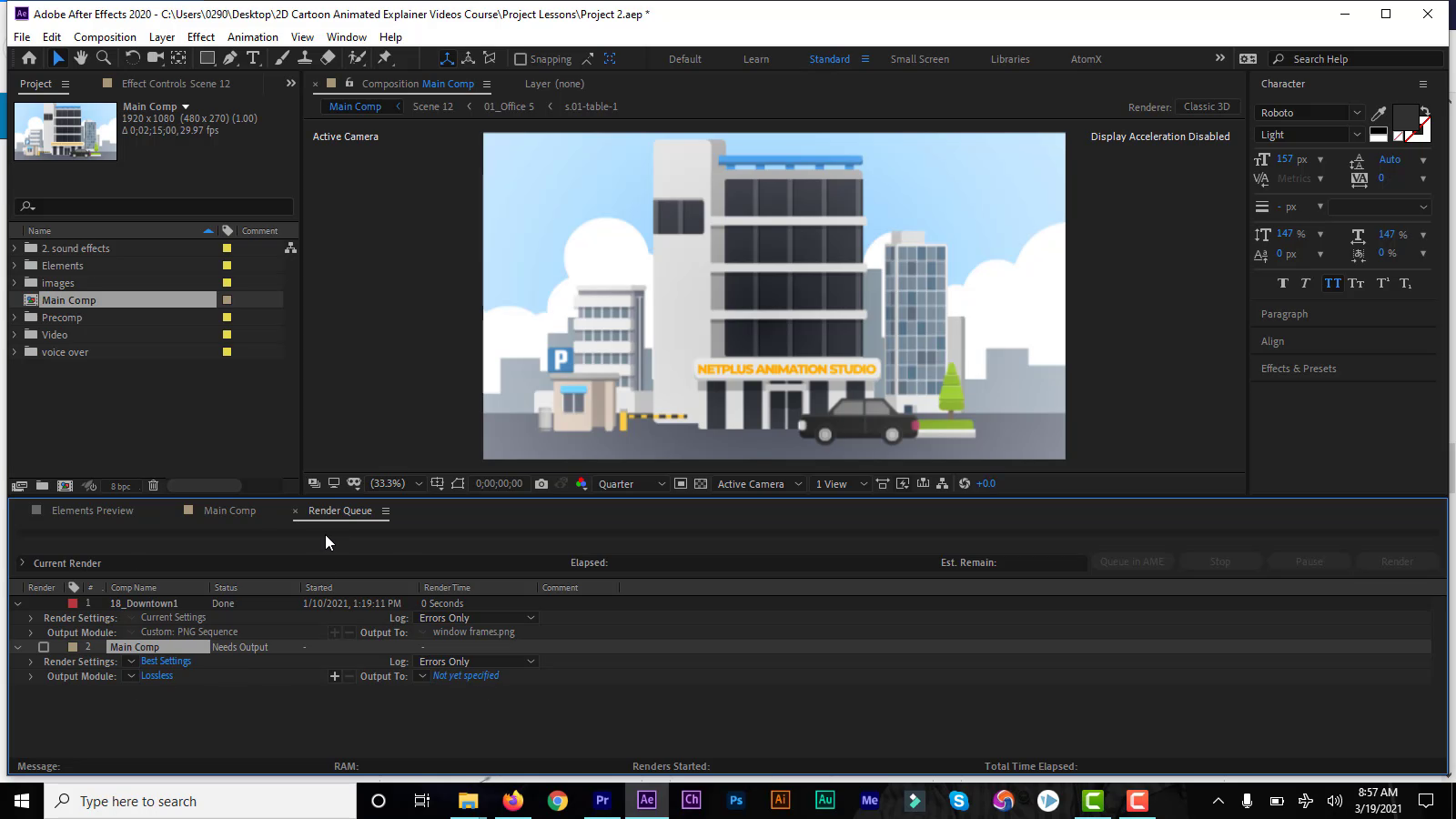
- Learn the Interface – Panels, timeline, composition settings
- Import Your Rendered Clips – From Lumion, SketchUp, Enscape
- Add Titles and Transitions – Use presets or animate manually
- Play with Effects – Light leaks, fog, depth, overlays
- Export Your Project – Use Adobe Media Encoder for high-quality output
👉 It gets easier (and fun) once you do a few trial runs.
Pro Tip: Use AE to Pitch an Idea, Not Just a DesignClients or juries can always question cost and technicalities, and the innovation you bring. relate to a well-weaved narrative, rather than just a vague vision
Your project might be rooted in climate science, community well-being, or cultural revival. AE allows you to build a visual story around it, guiding the viewer's attention with the use of time, rhythm, and sound.
Ready to Learn AE + More?
Want to brush up or learn SketchUp, Lumion, Photoshop, VRay, Adobe After Effects and more?
Kaarwan's Visualisation and Rendering Course is designed just for that — a one-stop guide to creating stunning architectural presentations, walkthroughs to communicate your vision with the world! A step towards influencing meaningful change.




.png)