

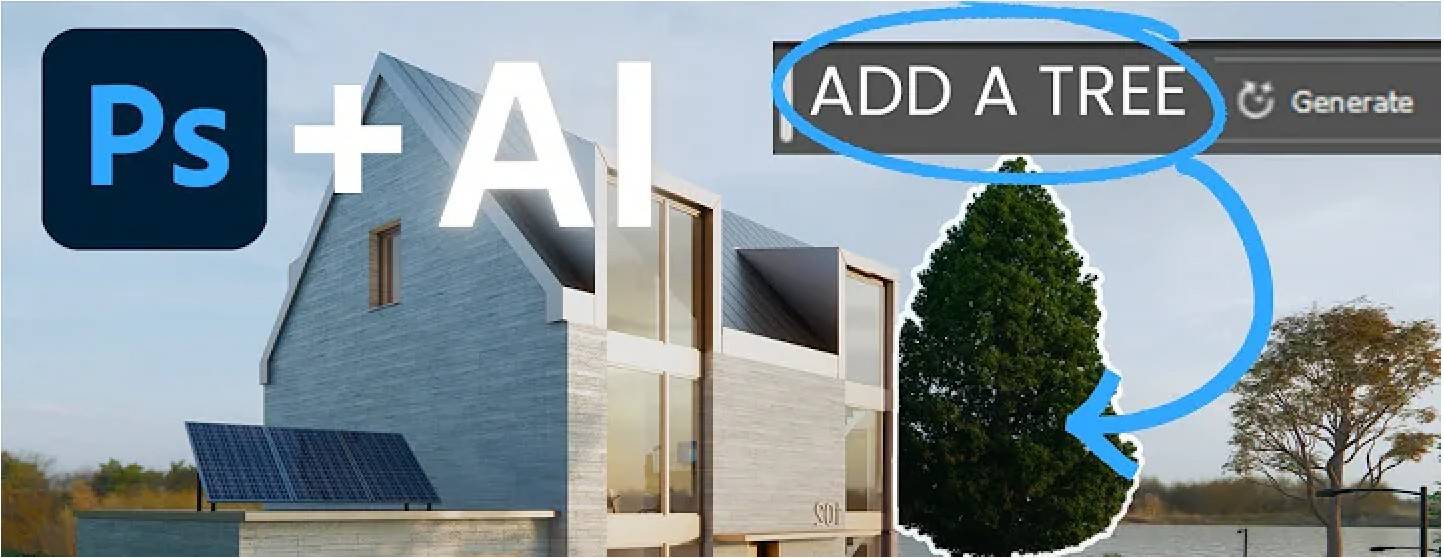
In the world of architecture and design, presentation is everything. Whether for client pitches, competitions, or academic submissions, the quality of your visual outputs can make or break perception. Traditionally, Photoshop has been the go-to tool for post-production, enhancing renders, diagrams, and photographs.
But now, the landscape is shifting. AI-powered tools are entering post-production workflows, offering unprecedented speed, creativity, and automation. Combining AI with Photoshop creates a powerful duo that amplifies design communication while saving time – a game-changer for architects, students, and visualisers alike.
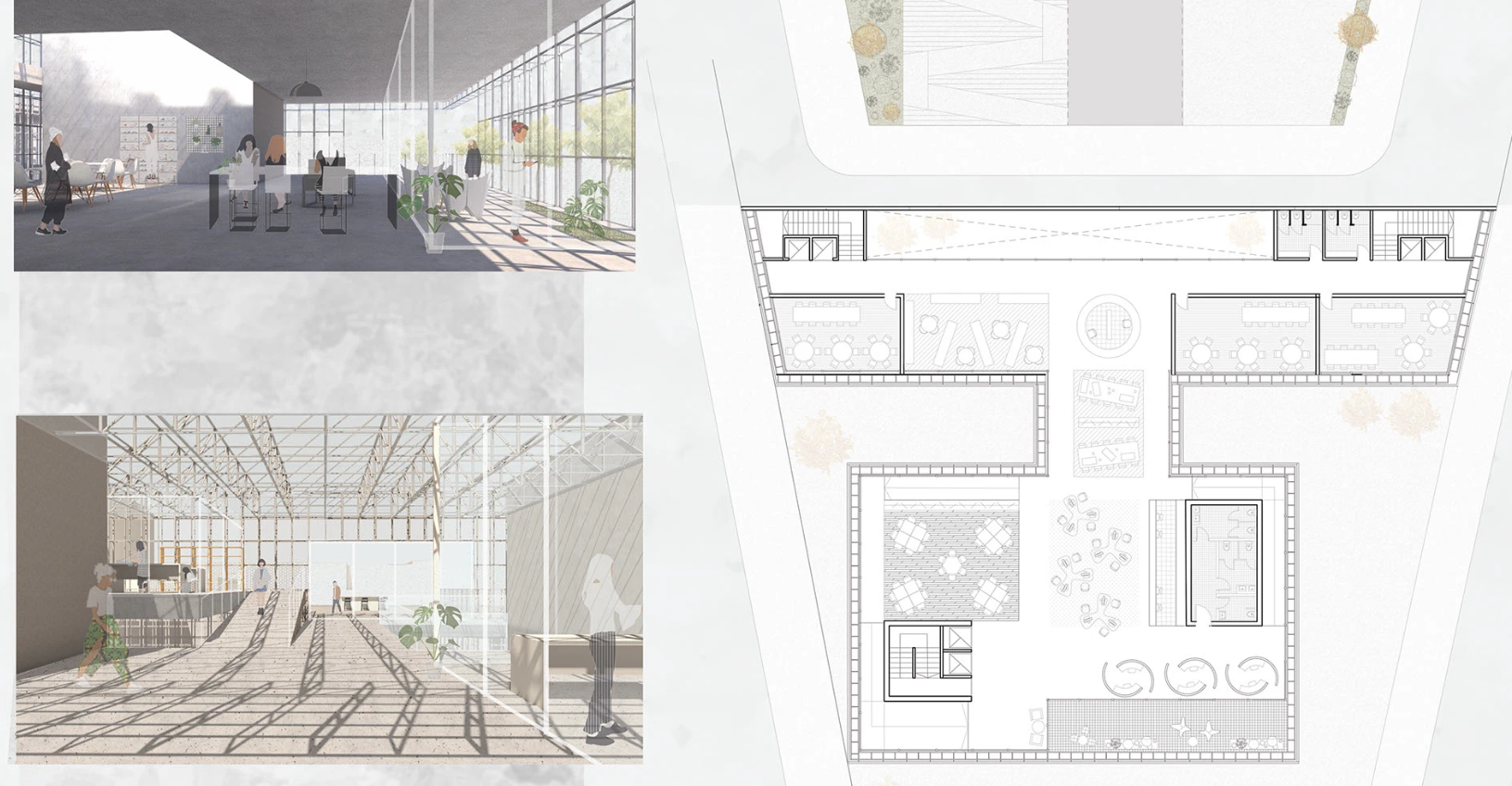
Image Source: Camila Gonzalez Behance
Why Post-Production Matters in Architecture
Before diving into AI, it’s important to understand why post-production is crucial:
- Enhances Realism: Adjust lighting, shadows, and textures to make renders more immersive.
- Improves Visual Storytelling: Add context, people, vegetation, and atmospheric effects to communicate design intent.
- Polish Presentations: Smooth out imperfections, balance colours, and refine composition.
- Saves Time During Iteration: Minor tweaks in post-production prevent repeated re-rendering.
While renders and drawings capture the core design, post-production transforms them into compelling narratives that resonate with clients and juries.
How AI Tools Are Changing Post-Production
AI in design post-production is no longer science fiction. Tools powered by machine learning, neural networks, and generative AI are automating repetitive tasks and enabling creative possibilities previously time-consuming or impossible.
_1759232278056.jpg)
Image Source: Richard Van Hooijdonk
Key AI Capabilities for Architecture Visuals
- Automatic Background Removal & Replacement Tools like Remove.bg or Adobe Firefly can instantly isolate objects and swap backgrounds, saving hours of manual masking.
- Image Upscaling & Enhancement AI can improve image resolution without losing quality, perfect for high-resolution prints or large-format boards.
- Style Transfer & Artistic Effects AI can apply realistic or stylised effects to renders, from photorealistic lighting tweaks to painterly textures, enhancing visual storytelling.
- Content-Aware Adjustments AI can intelligently remove objects, adjust skies, or simulate lighting changes based on scene context, reducing manual editing time.
- Generative Design for Visualisation Some AI tools can generate realistic urban context, furniture layouts, or landscape elements, complementing your architectural render.
Combined with Photoshop, these capabilities allow architects to fine-tune, iterate, and experiment like never before.
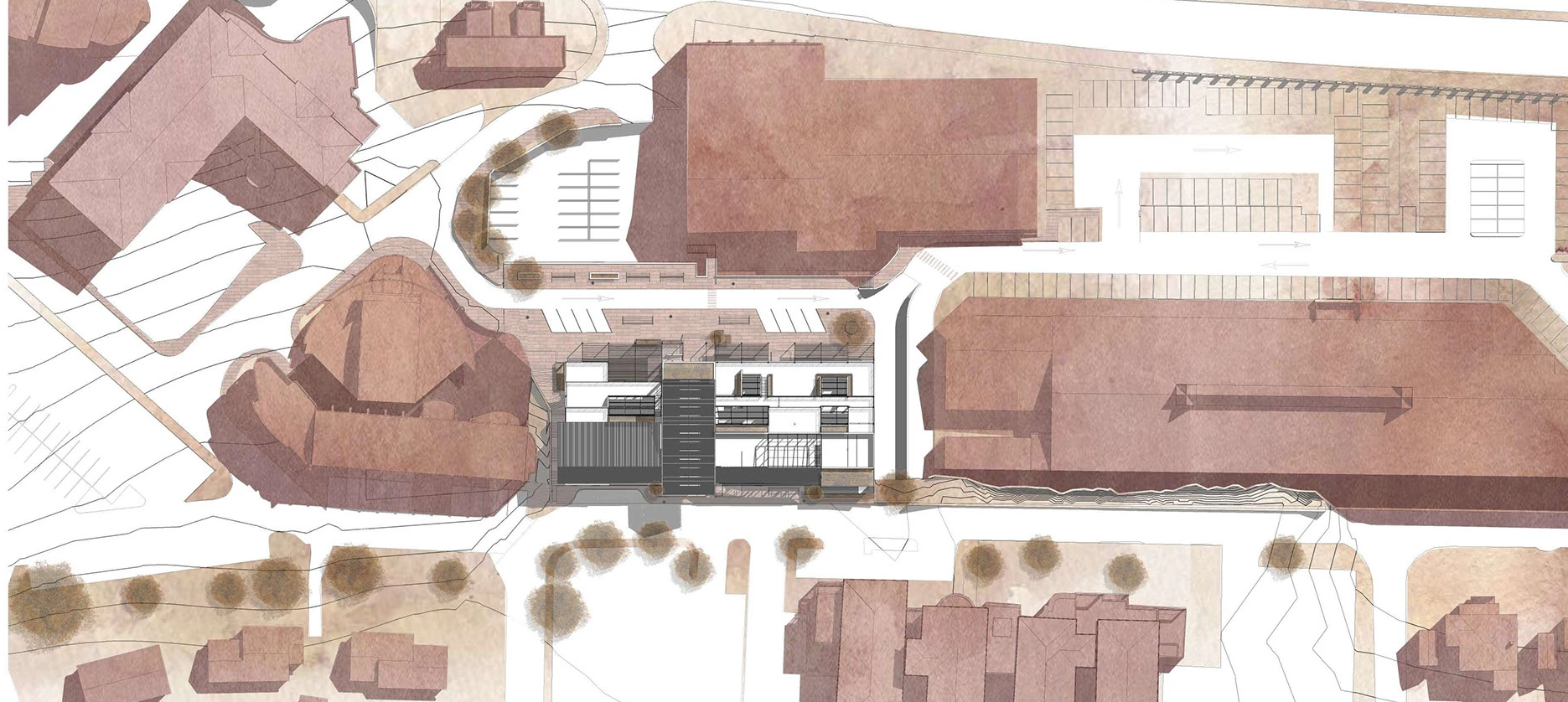
Image Source: Zara Pooran, Neighbourhood context is easily presented using help of postproduction workflow.
Why Photoshop Remains Indispensable
While AI handles automation and speed, Photoshop remains the creative backbone of post-production:
- Layer-based editing allows precise control over composition, colour grading, and blending.
- Masking and adjustment layers provide flexibility in modifying selective parts of an image.
- Typography, annotations, and diagrams can be seamlessly integrated into presentations.
- Integration with plugins and AI tools ensures a smooth, hybrid workflow.
In short, AI accelerates and enhances, while Photoshop refines and perfects. Together, they form a synergistic post-production pipeline.
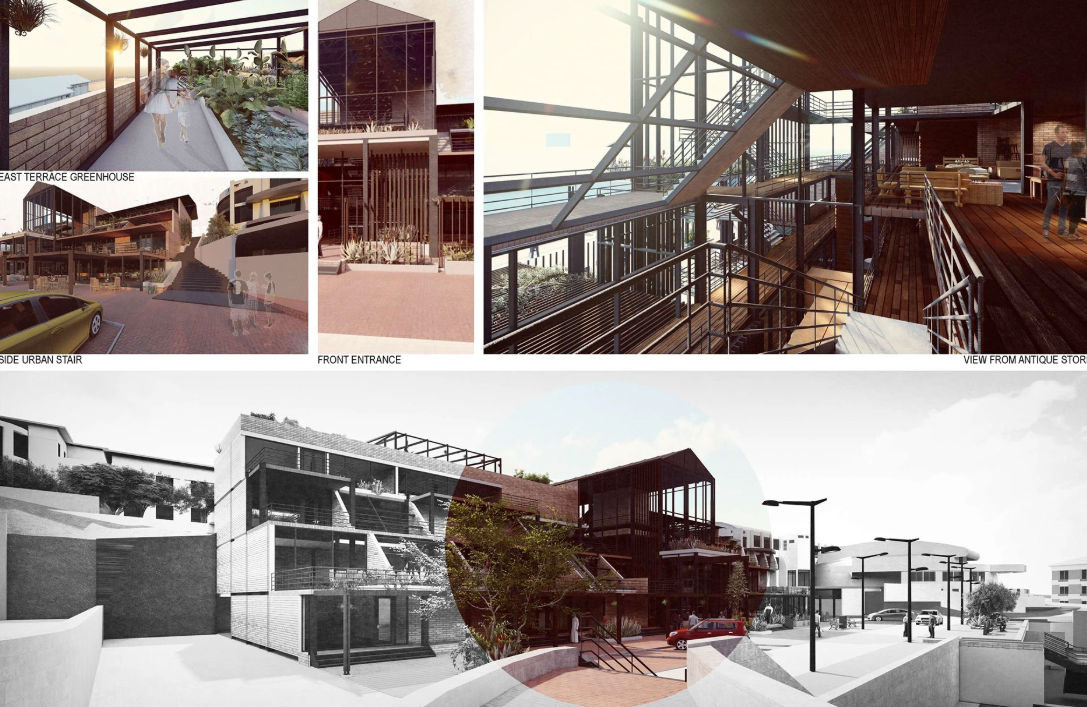
Image Source: Zara Pooran, Behance
How to Combine AI Tools with Photoshop
Here’s a workflow architects and students can adopt:
- Start with a High-Quality Render. Use your usual 3D tools – SketchUp, Lumion, V-Ray, or Revit – to create the base image.
- Enhance with AI Upscale resolution for print or digital boards. Remove unwanted elements or clutter automatically. Apply style enhancements or realistic textures using AI filters.
- Upscale resolution for print or digital boards.
- Remove unwanted elements or clutter automatically.
- Apply style enhancements or realistic textures using AI filters.
- Fine-Tune in Photoshop: Adjust lighting, shadows, and colour balance. Add context: people, vegetation, street furniture. Incorporate diagrams, text, or presentation boards.
- Adjust lighting, shadows, and colour balance.
- Add context: people, vegetation, street furniture.
- Incorporate diagrams, text, or presentation boards.
- Iterate Quickly AI tools reduce repetitive work, allowing more time for creative exploration in Photoshop.
- Export for Presentation or Print Deliver polished, professional-quality visuals that communicate design intent effectively.
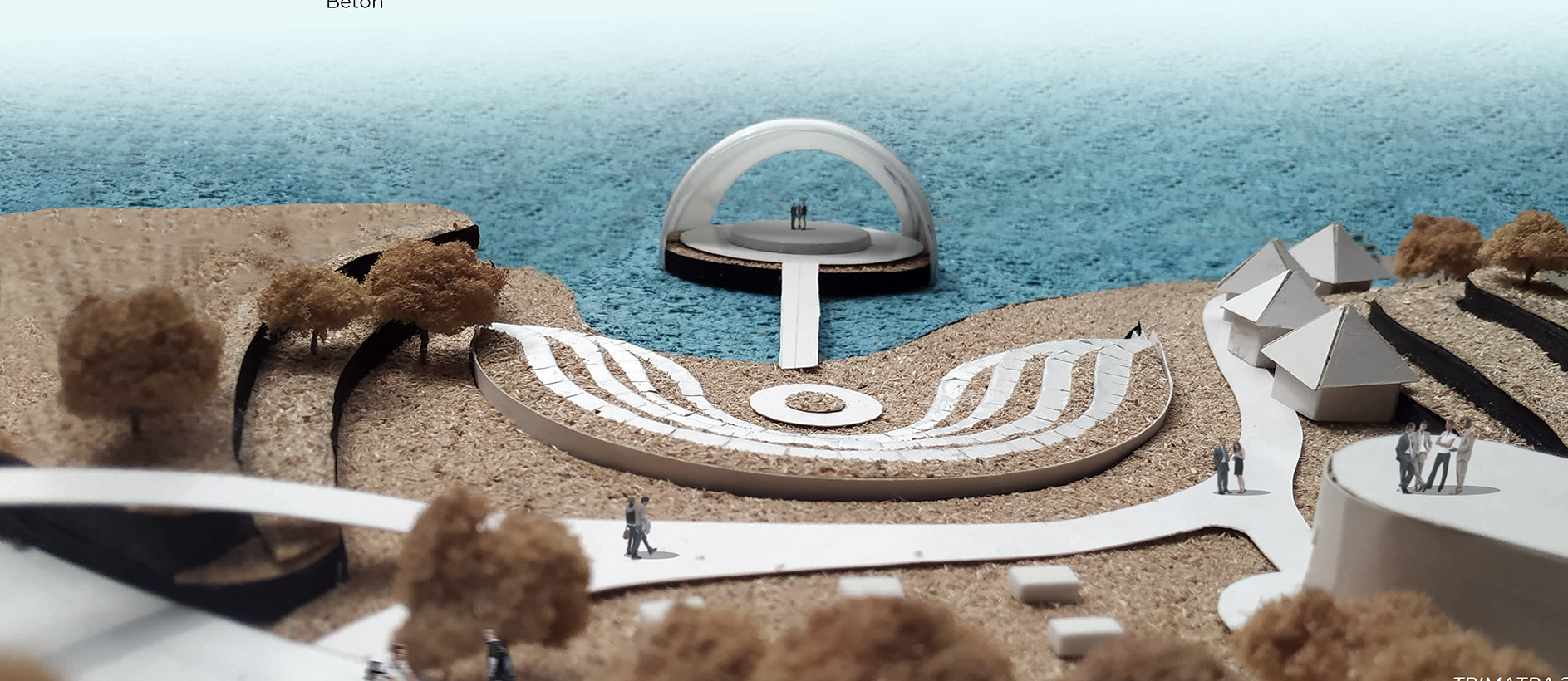
Image Source: The Koklea, Students/Architects can add their physical models, hand-drawn sketches and make it apt for their sheet presentation once they master post-production tools
Benefits for Architecture Students and Professionals
- Time Efficiency: AI handles tedious tasks, freeing up hours for creative thinking.
- Enhanced Visual Quality: Combines AI realism with Photoshop refinement for compelling outputs.
- Better Communication: High-quality visuals make presentations more persuasive.
- Experimentation: Quickly test multiple visual styles, atmospheres, or contexts.
- Competitive Advantage: Firms and students using AI-enhanced workflows are often ahead in competitions, presentations, and client pitches.
For students, mastering this duo bridges the gap between technical skill and artistic expression, giving them a professional edge.
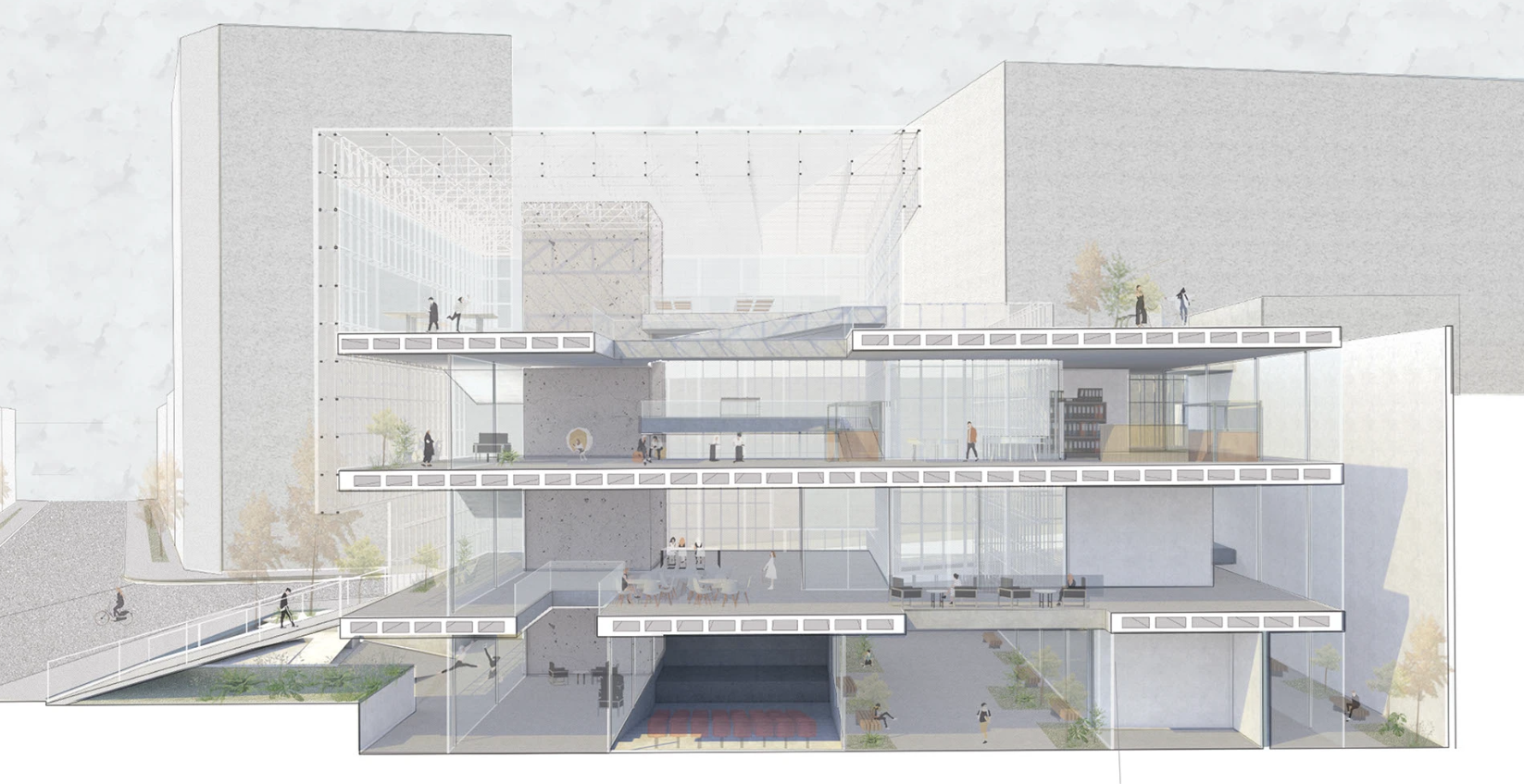
Image Source: Camila Gonzalez Marina
Imagine a student presenting a redevelopment project:
- Render: Basic 3D output from SketchUp showing massing and site layout.
- AI Enhancement: Automatically adds realistic sky, vegetation, and texture adjustments.
- Photoshop Refinement: Final tweaks to lighting, shadows, and annotations.
Result: A visually immersive presentation that communicates scale, atmosphere, and design intent far better than raw 3D renders alone.
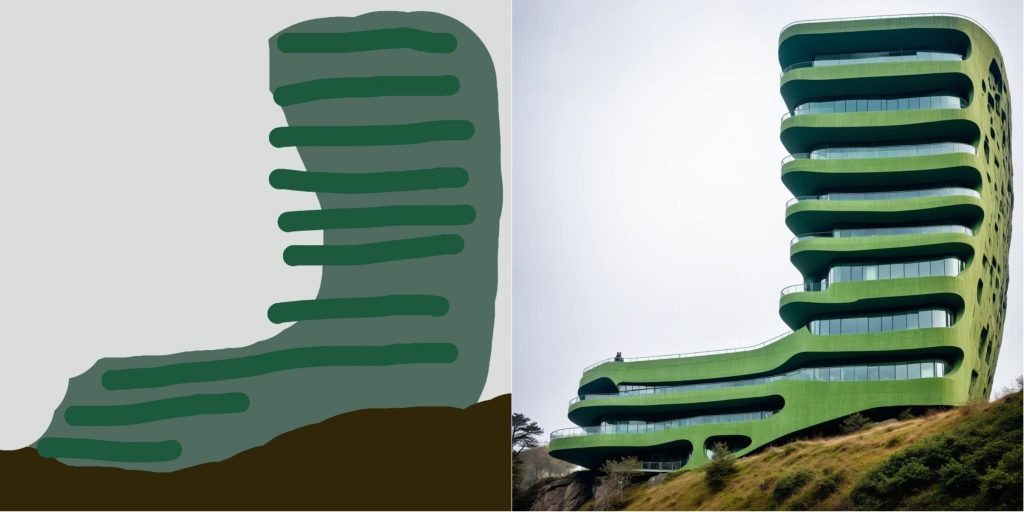
Image Source: Pixelstoplans
Future of Post-Production: AI and Beyond
As AI evolves, the line between automation and creativity continues to blur. Emerging tools promise:
- Real-time generative visuals during modelling.
- Integration with AR/VR presentations for interactive design experiences.
- Intelligent content-aware adjustments based on project type, style, or client preference.
For architects, keeping up with AI-enhanced workflows will be crucial for remaining competitive in the design world.
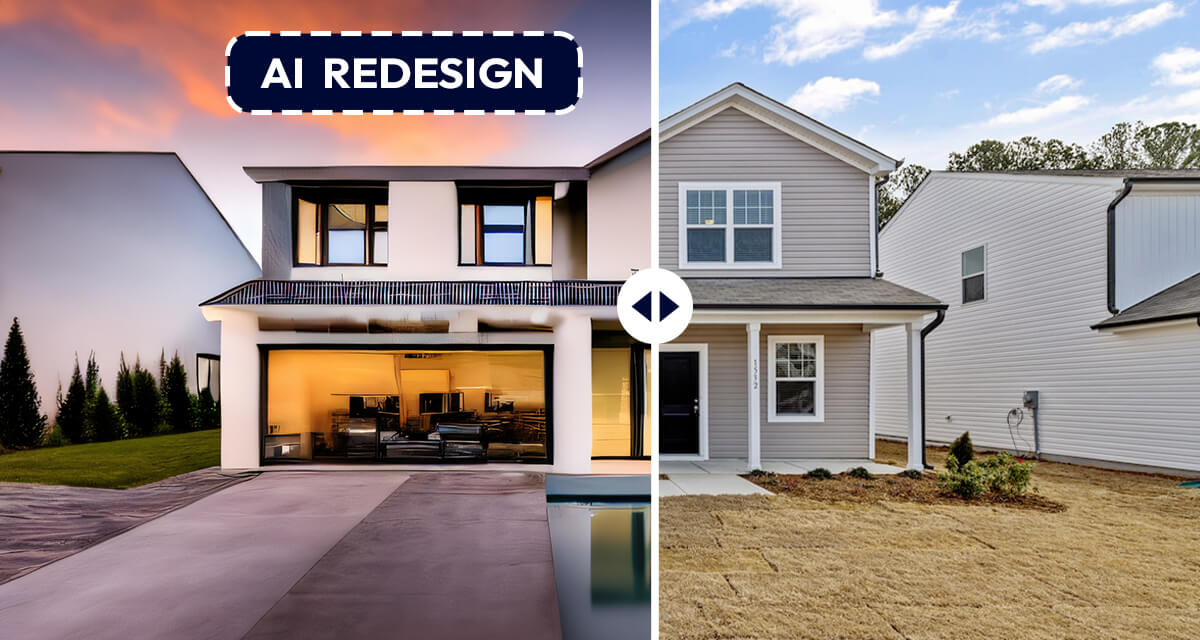
Image Source: Pincel
AI-powered visualizations allow us to explore façade design aesthetics early in the process. By testing ideas quickly and aligning with clients on an approved direction, we can focus our detailed design efforts with clarity and efficiency.
Conclusion
AI tools and Photoshop together represent a post-production revolution in architecture. While 2D layouts and renders are foundational, the combination of AI speed and Photoshop control transforms visuals into immersive, professional, and persuasive narratives.
For students and professionals, adopting this duo not only enhances efficiency but also strengthens the ability to communicate design intent effectively. In an era where presentation quality influences decision-making, competitions, and client perception, mastering AI + Photoshop is no longer optional – it’s essential.
By embracing AI as a collaborator and Photoshop as a creative editor, architects can elevate their work from technically competent to visually compelling, creating designs that truly resonate with audiences.
FAQs
1. What is Generative AI in Photoshop?
Generative AI in Photoshop uses machine learning to create, edit, or enhance parts of an image automatically—like filling gaps, extending canvases, or adding new elements realistically.
2. How can architects use Generative AI in Photoshop?
Architects can quickly add skies, vegetation, people, or contextual elements to their renders, helping them communicate scale and atmosphere without hours of manual editing.
3. Can Generative AI replace manual Photoshop editing?
Not entirely. AI speeds up repetitive tasks, but designers still need Photoshop’s manual tools for fine-tuning, layering, and precise control to achieve professional results.
4. Do I need special plugins to use Generative AI in Photoshop?
No, Adobe has built-in AI features (like Generative Fill and Remove/Replace tools) in the latest Photoshop versions—no extra plugins are required.
5. Is Generative AI useful for academic or competition presentations?
Yes. It allows students and professionals to iterate faster, explore multiple visual styles, and produce polished boards or visuals that stand out to juries and clients. But architects must stay competitive and flexible, so that they can edit the AI results, even better, as per their vision. And that will come with mastery of original basic software.




.png)