


Whether you're an aspiring visualiser, architecture student, or working professional, understanding how SketchUp and Lumion work together can open doors. This blog explores why firms favour candidates skilled in these tools—and how learners from Kaarwan stand out in interviews and on-site.
What Is SketchUp and Why Is It Popular?
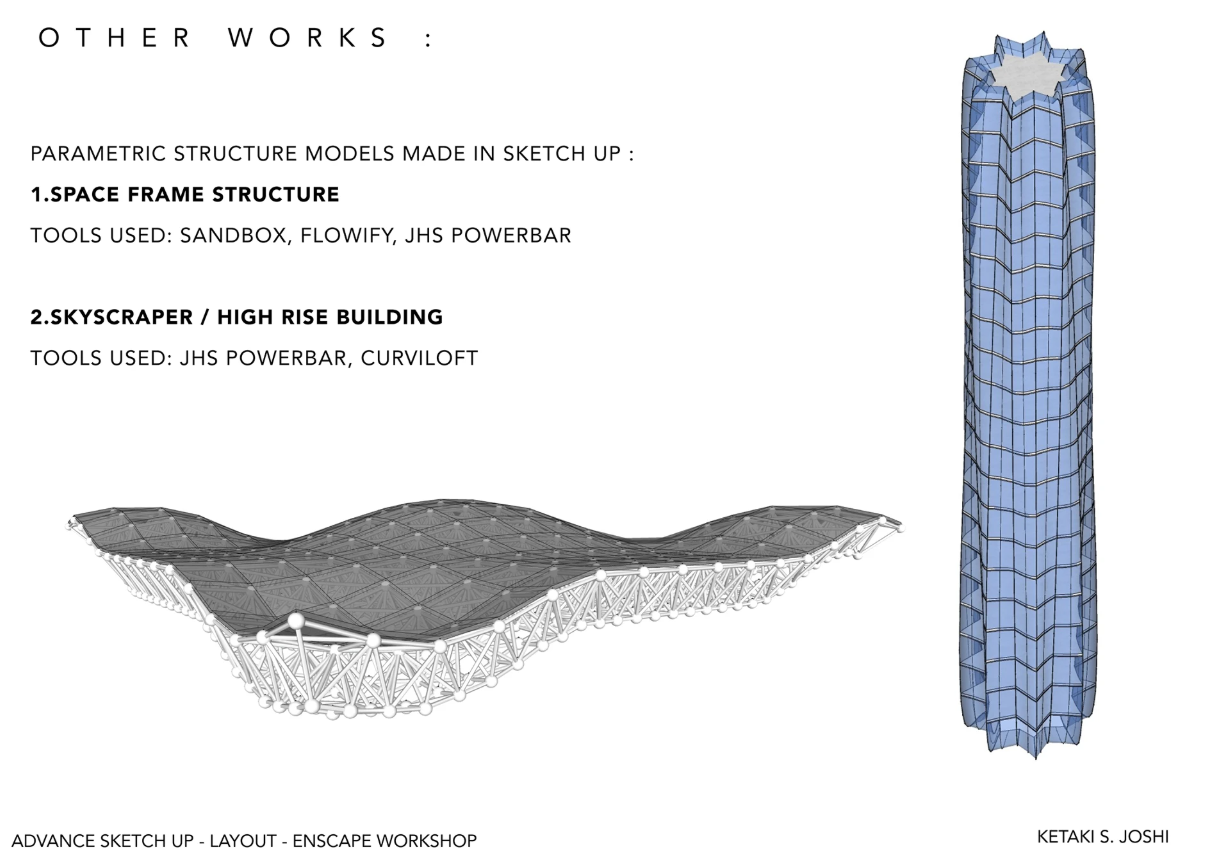
SketchUp is one of the most accessible 3D modelling software platforms in the architecture and design world. Known for its intuitive interface, it allows architects and designers to rapidly translate ideas into visual form.
But here’s the key: SketchUp isn't just a student’s tool—it’s also widely used in professional studios for concept development, form studies, and even technical modelling.
Common Google queries include:
- “Is SketchUp good for architecture?”
- “Do architects still use SketchUp?”
- “Which is easier—SketchUp or AutoCAD?”
The answer? SketchUp may not replace AutoCAD or Revit for documentation, but it’s often the first software architects open when sketching out an idea.
Why Lumion Complements SketchUp So Well
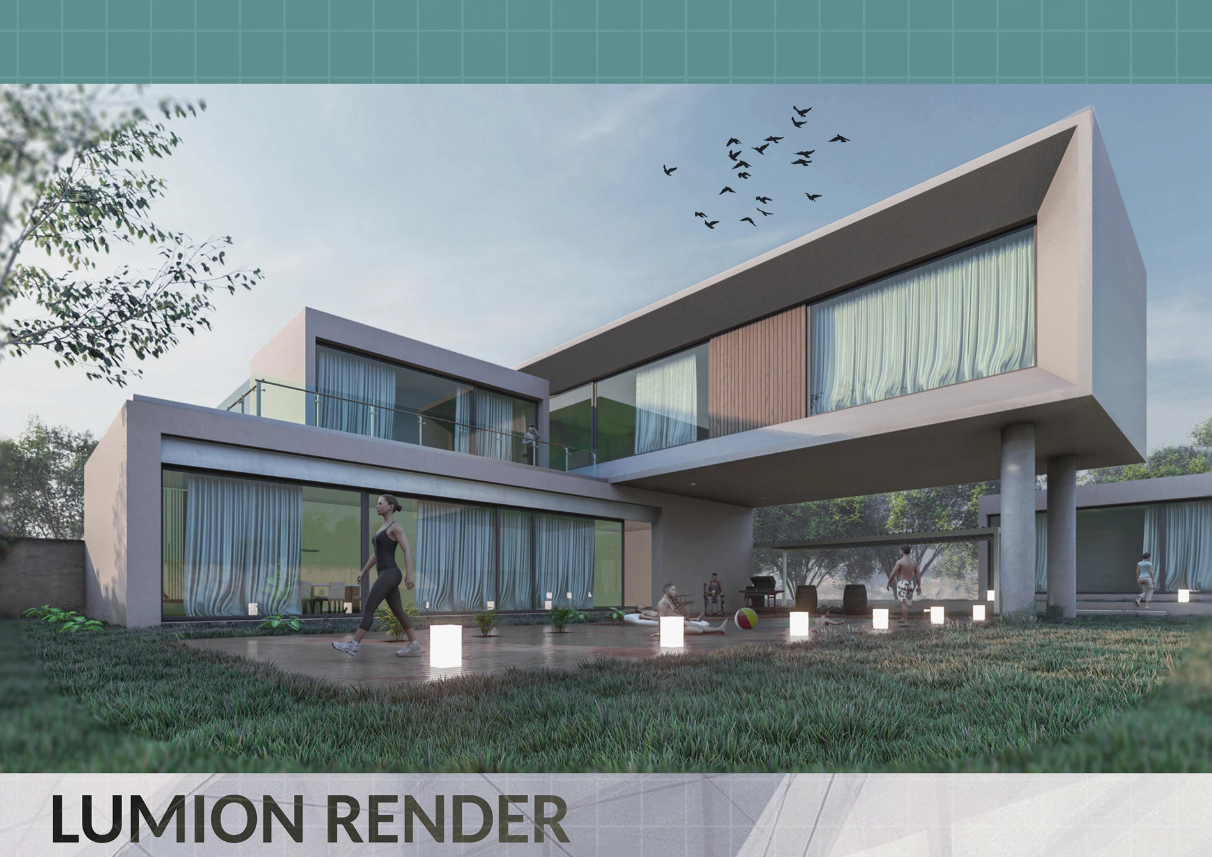
Lumion takes your SketchUp model and breathes life into it. You import your model and instantly add realistic skies, shadows, trees, cars, people, and water—all in real-time. No need to wait for long renders.
Top reasons employers love Lumion skills:
- Speed of visual output – Impress clients in minutes, not days.
- Real-time visualisation – Great for live feedback in client meetings.
- Easy learning curve – Unlike VRay or Unreal, Lumion is beginner-friendly.
- Presentation-ready exports – From stills to cinematic walkthroughs.
Why Employers Prioritise These Skills
1. Quicker Turnaround for Projects
Time is money. Firms that handle tight timelines value architects who can model and render quickly. SketchUp + Lumion is often the fastest combo to deliver high-quality visuals without advanced scripting or complex workflows.
2. Better Communication with Clients
Instead of explaining design intent with jargon, visuals bridge the gap. An intern who can produce a clean massing model and generate a walkthrough in Lumion has a competitive edge, even over someone with higher academic grades.
3. Support for Design Development
Employers also use Lumion as a design tool. Seeing a model evolve in real-time helps teams test materials, daylighting, and context better.
Where Our Students Stand Out
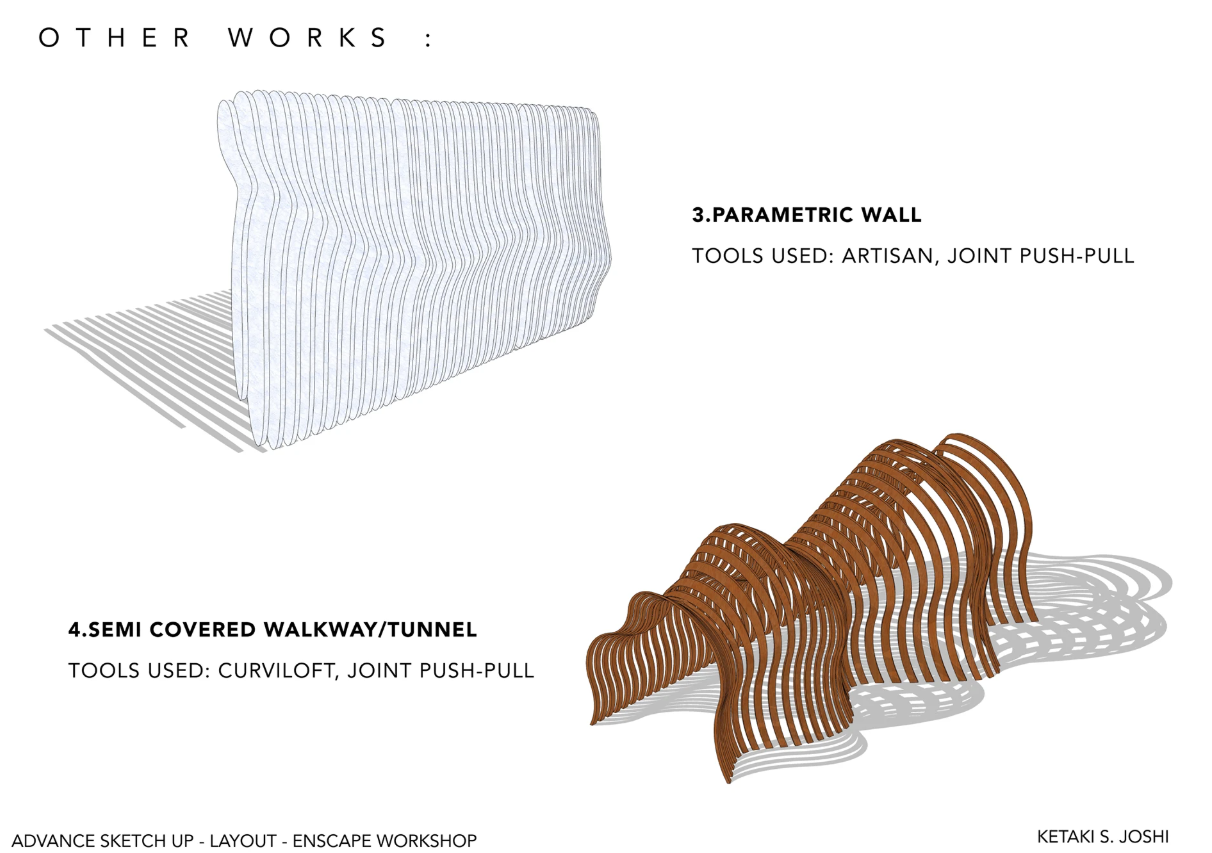
At Kaarwan, we’ve seen students join firms and get trusted with presentations within weeks of completing our courses. Why?
Because we don’t just teach software—we teach workflow.
Our Visualisation & Rendering Course doesn’t stop at “how to model in SketchUp.” You’ll learn:
- Site-specific context modelling
- Smart material management
- Clean layer organisation for seamless exports
- Setting up camera paths and time-based storytelling in Lumion
- Polishing with Photoshop or Adobe After Effects (for hybrid workflows)
Query to consider: "How to stand out in architecture job interviews?" A candidate who can say, “Here’s a Lumion render I did from scratch after modelling in SketchUp” always stands out.
Tips to Get Started
- Start with free SketchUp practice files. Try modelling basic homes or public spaces.
- Download Lumion’s trial version. Explore live sync with SketchUp.
- Take screenshots and create a portfolio. Employers love to see your journey.
- Join communities. Reddit’s r/architecture and forums like SketchUcation or Lumion’s official community offer amazing tips.
🎓 Master software hacks, complex organic modelling through Kaarwan's Advanced SketchUp Modelling with Lumion Visualisation
FAQs
Do I need a powerful PC to run Lumion?
Yes, Lumion requires a good GPU. However, we guide students on affordable setups and cloud-based alternatives.
Is SketchUp enough for architectural practice?
It’s excellent for early design. For documentation, pairing with BIM tools like Revit is ideal.
Will firms teach me rendering if I don’t know it?
Sometimes, but firms prefer hiring people who can hit the ground running. Having basic skills in rendering gives you a clear advantage. Join Kaarwan's Advanced SketchUp Modelling with Lumion Visualisation to master software hacks, complex and fast modelling along with Visualisation & Rendering Course that helps you master Photoshop, V-ray (Interior), Lumion, Sketchup, Adobe After Effects as post production tools within 4 weeks.




.png)