

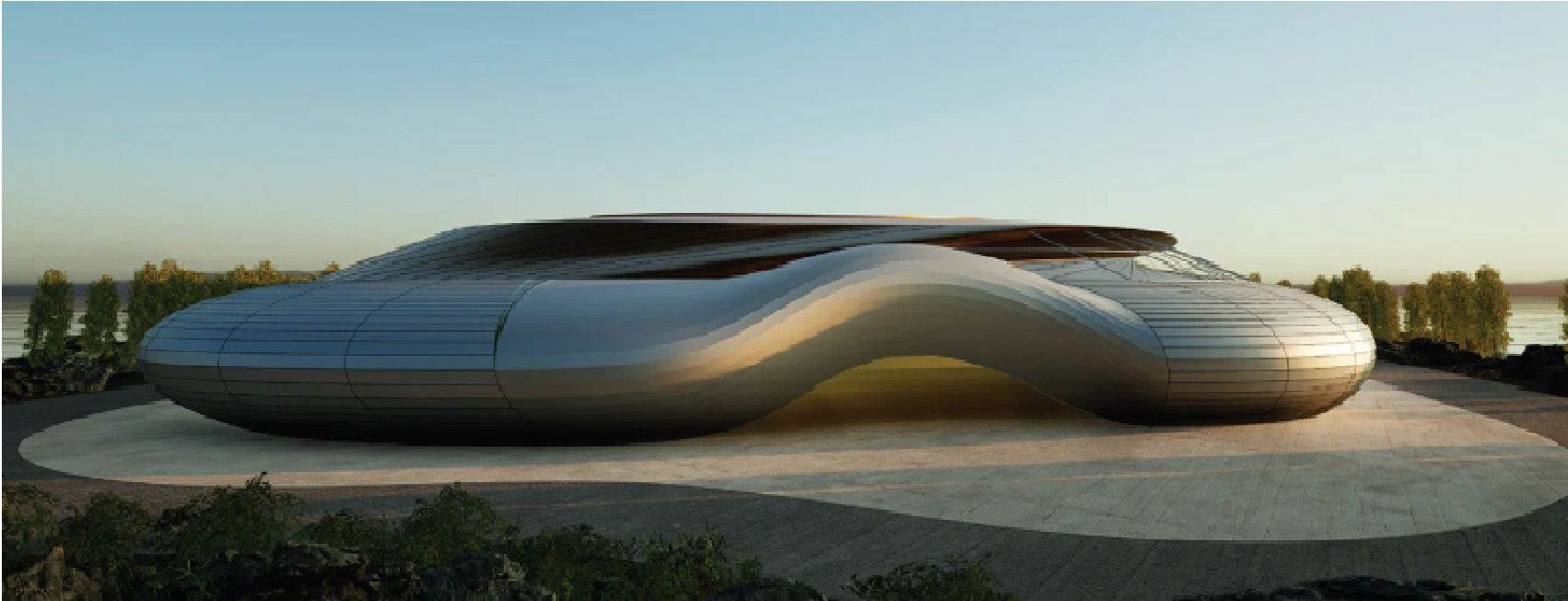
If You’re a Curious Techie with an Artistic Eye, Parametric Design is Your Playground
Ever felt like your brain was caught between loving spreadsheets and sketchbooks? Between coding logic and creative chaos? That tug-of-war might not be a conflict—it might be a calling.
Welcome to parametric design! The sweet spot where the technical and the artistic finally shake hands.
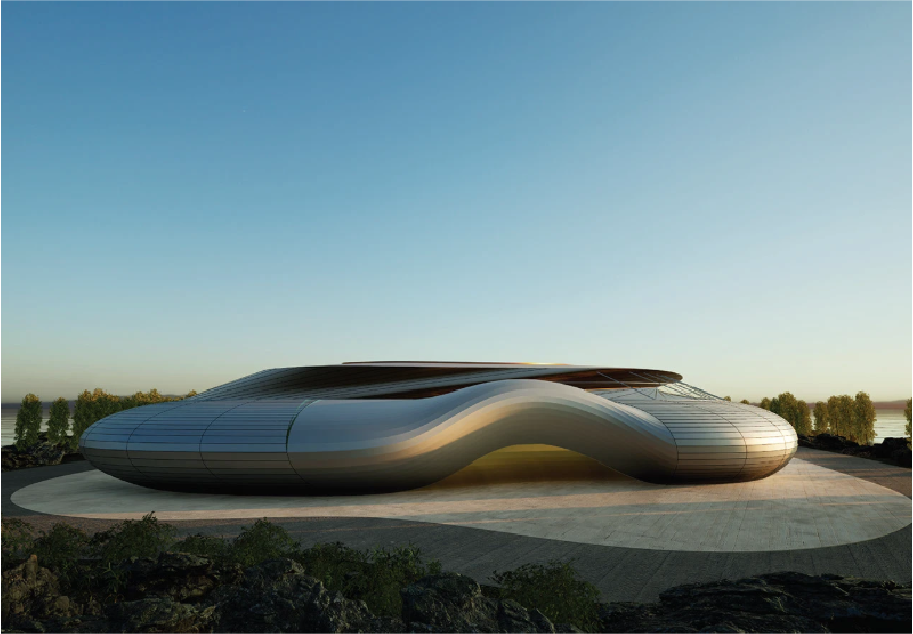
So, what is Parametric Design?
In the simplest terms, it’s design driven by parameters, rules, constraints, and relationships you define, and the computer obeys.
Instead of drawing every curve or form manually, you tell the software how you want things to behave. And voila—it adapts, regenerates, and evolves with every change in input.
Imagine designing a façade where the window size changes automatically based on sunlight, or a park where the pathways shift based on human movement data. This isn’t futuristic fantasy; this is what parametric design enables.
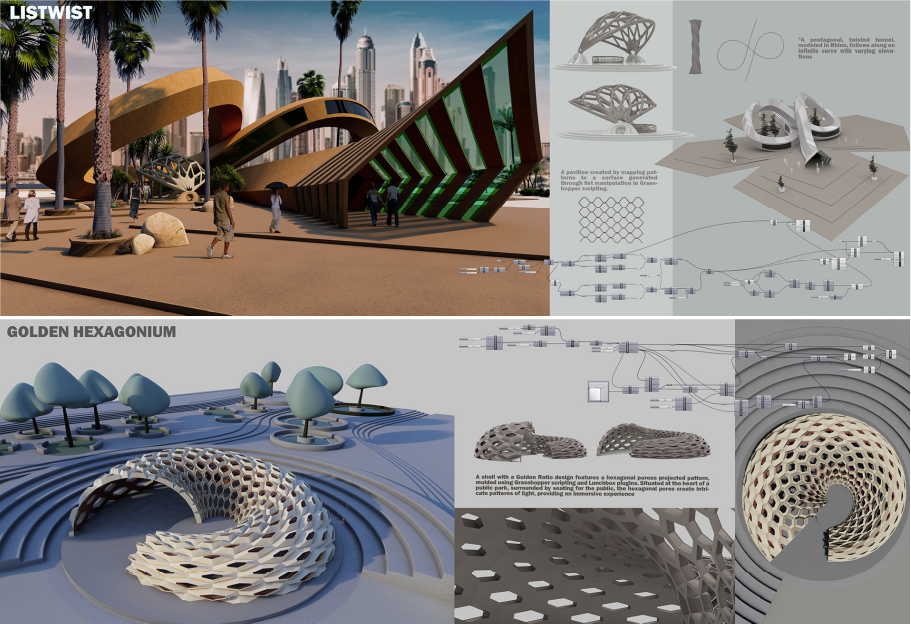
Image Source: Kaarwan Computational Design Learners Portfolio
Why Architects & Designers Are Falling in Love with It
Because it’s playful. Because it’s powerful. And because it finally feels like we’re designing systems, not just objects.
With tools like Grasshopper, Dynamo, and Rhino, designers now control the DNA of their designs. You can tweak variables and generate thousands of forms—each different, each responding to real-world inputs like environment, cost, or function.
What used to take days of manual revisions can now be generated in minutes.
Who’s This For?
- The detail-oriented designer who’s always asking “why can’t this be automated?”
- The tech enthusiast who’s curious about coding but also loves patterns, geometry, and aesthetics.
- The visual thinker who wants to explore generative art, interactive architecture, or AI-assisted creativity.
If you’ve ever built LEGO sets, then taken them apart just to rebuild something smarter—this is for you.
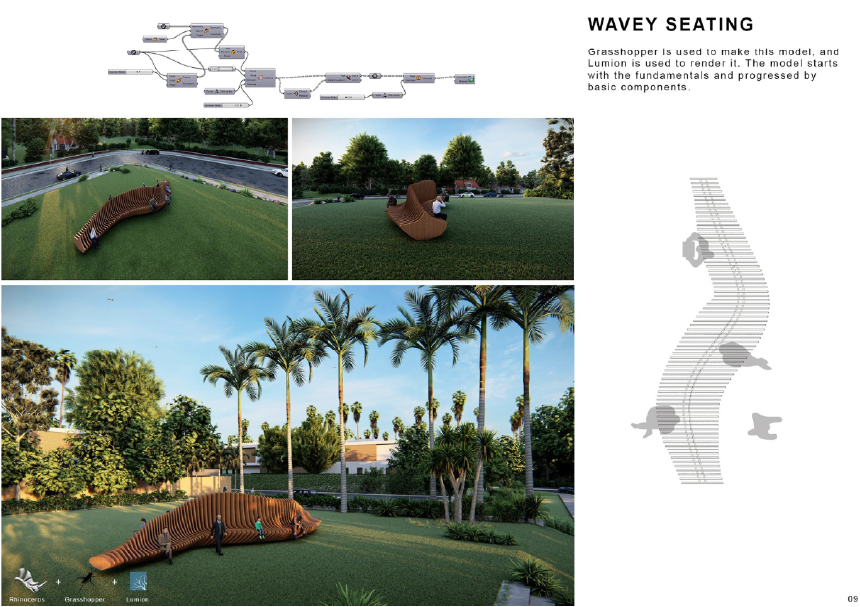
Image Source: Kaarwan Computational Design Learners Portfolio
Where Is Parametric Design Used?
- Architecture: Façades that adapt to climate, towers optimized for wind loads, bridges with fluid forms.
- Furniture/Product Design: Customised ergonomic chairs, lightweight lattice structures.
- Urban Design & Landscape: Walkways responding to foot traffic, planting patterns responding to sun and slope.
- Installations & Art: Kinetic sculptures, light-responsive pavilions, interactive art that ‘breathes’.
It’s no longer a niche. Even large infrastructure projects use it for optimisation and sustainability.
Do You Need to Code?
Not exactly. Visual programming makes it intuitive. You don’t start with code—you start with logic.
Think of it as connecting building blocks (nodes) that define relationships: “If A = Height, then B = Number of Floors.”
Once you understand the logic, learning Python or C# becomes optional (but opens even more doors).
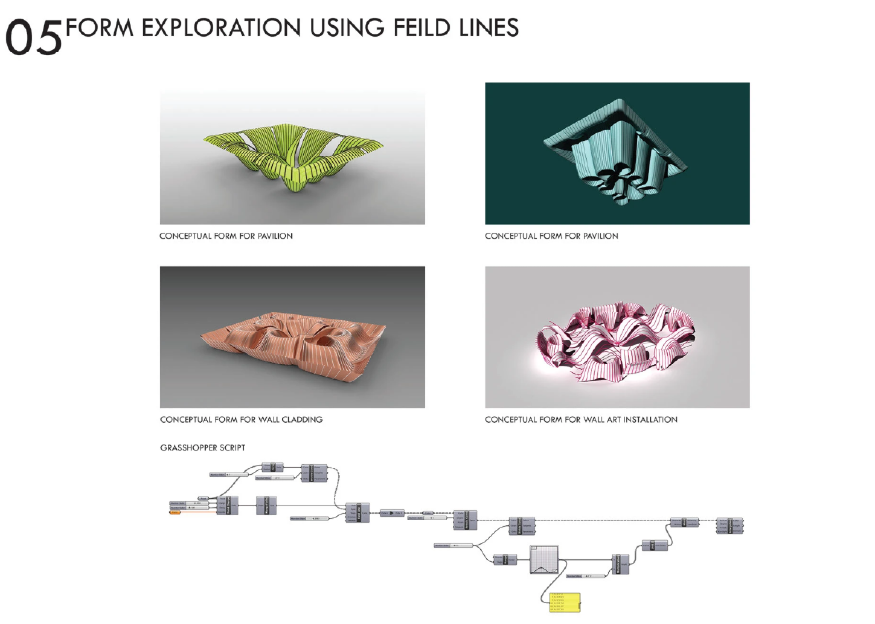
Image Source: Kaarwan Computational Design Learners Portfolio
Explore niches that pique your intrest, with student-friendly priced masterclasses. Learn where designers teach designers.
Learn It, Play With It, Build Anything
If you’re just stepping into parametric design, start small:
- Tinker with Grasshopper for Rhino or Dynamo for Revit.
- Attend a one-day hands-on Masterclass with experts.
- Try building a simple algorithm for a brick pattern.
- Explore generative art. Mix it with AI. Get weird with it.
- For those interested in BIM workflows, Revit, when combined with Dynamo, allows you to create climate-responsive massing forms, curtain walls, adaptive families and more, just like in computational design. But Rhino and Grasshopper aid you to be freer in your expression.
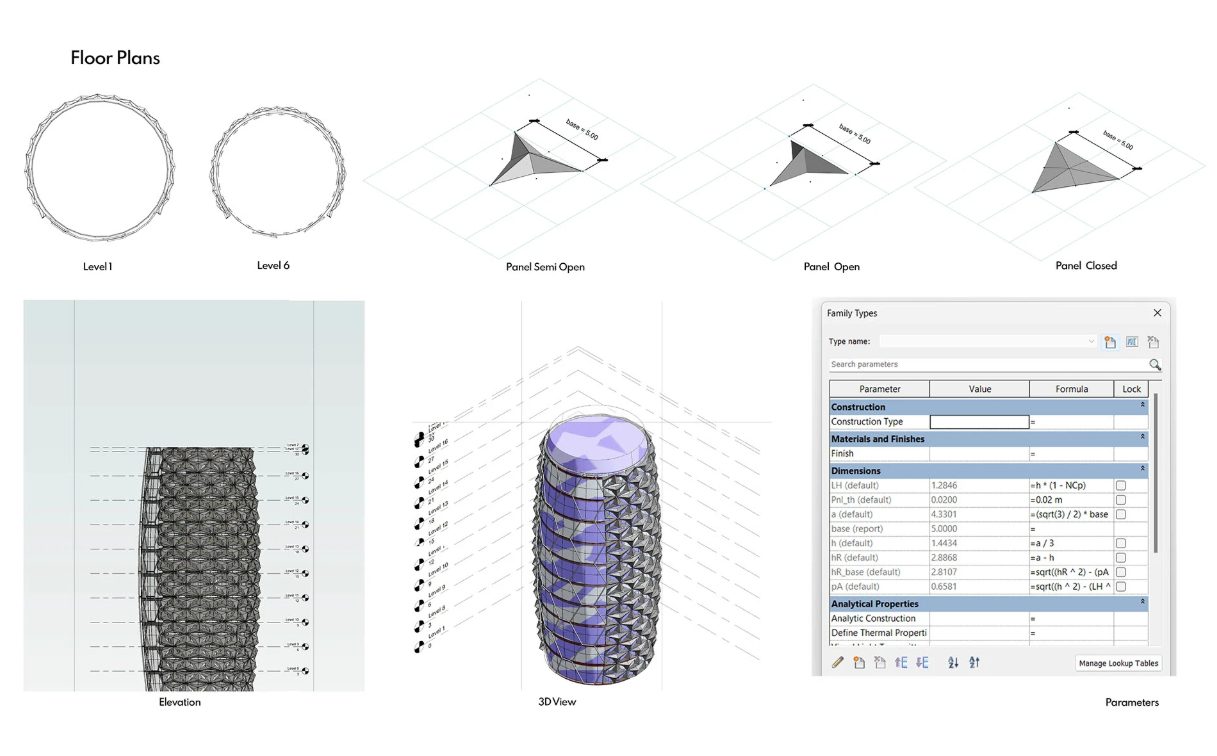
Image Source: Kaarwan BIM Learners Portfolio
Final Word: It’s Not Just a Tool—It’s a Mindset
Parametric thinking isn’t only for software; it’s how you begin to see design as systems and strategies rather than shapes and symbols.It changes the way you approach problems, and most importantly, it makes architecture fun again.
So if your brain is equal parts curious coder and daydreaming designer—Parametric design isn’t just your tool. It’s your playground.




.png)