


Mastering cutting-edge software tools is absolutely essential in the fast-changing architectural field of today. One such tool is Rhino, a 3D modeling software that has revolutionized parametric design architecture. Architects worldwide now rely on Rhino and Grasshopper to push the boundaries of design and achieve complex, organic structures.
This article will help you learn about the Rhino course, its importance for architects, and how to master parametric design using Rhino.
Why Rhino is Essential for Architects
Rhino for architects is not just a trend—it’s a necessity. Whether you are working on urban planning, interior design, or large-scale architectural projects, Rhino offers unmatched flexibility. Its compatibility with Grasshopper, a visual programming language, makes it an ideal choice for parametric design architecture.
The shift towards parametric design enables architects to create adaptive and scalable models, allowing for rapid iterations. Traditional design methods fall short when it comes to flexibility. Rhino, however, is engineered for precision and creativity, empowering architects to produce innovative designs efficiently.
Key Benefits of Rhino:
- Flexibility in modeling complex shapes
- Integration with Grasshopper for parametric workflows
- Easy transition between 2D and 3D modeling
- Compatibility with other architectural tools like Revit and AutoCAD
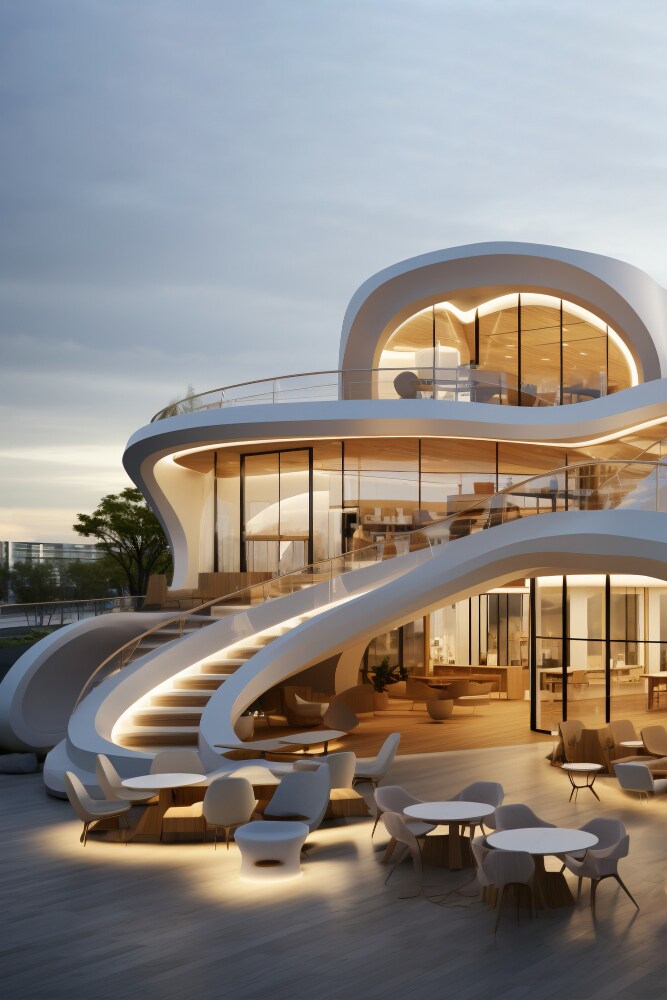
Image source - freepik.com
Rhino Course for Architects
Rhino courses teach typically cover a range of topics, from basic modeling techniques to advanced parametric design concepts using Rhino and Grasshopper. For example, courses often begin with foundational lessons on Rhino’s interface, introducing you to essential commands for creating 2D and 3D shapes. As you advance, you learn to use Grasshopper for complex parametric design.
What You Will Learn in a Rhino Course:
- Rhino Basics: 3D modeling, surface creation, and editing tools
- Parametric Design Fundamentals: Introduction to Grasshopper and visual programming
- Advanced Parametric Design: Automating design workflows, adaptive models
- Real-Life Applications: Using Rhino for various architectural projects, from small-scale designs to large urban developments
How Rhino and Grasshopper Revolutionize Parametric Design
When it comes to parametric design, Rhino and Grasshopper are a perfect combination. Architects are increasingly using these tools to design everything from high-rise buildings to interior structures, where adaptability and real-time modeling are key.
With Grasshopper, architects can automate repetitive tasks, explore design alternatives quickly, and visualize how design changes affect the structure in real time. This workflow reduces manual errors and shortens project timelines.
Advantages of Parametric Design Architecture
Parametric design architecture goes beyond aesthetic flexibility—it optimizes functionality and sustainability. For instance, parametric models allow architects to simulate various environmental factors, such as sunlight, airflow, and energy usage. These simulations can improve energy efficiency and enhance the overall building performance.
Additionally, parametric design simplifies collaboration. Complex geometries and adaptive designs are easily shared with engineers, contractors, and clients, reducing miscommunication and ensuring smoother project execution.
Key Advantages of Parametric Design:
- Design Flexibility: Create adaptive models that can adjust to real-time constraints
- Increased Efficiency: Automate design workflows and minimize manual errors
- Sustainability: Simulate environmental factors for greener building designs
- Collaboration: Share complex designs with stakeholders for better project management
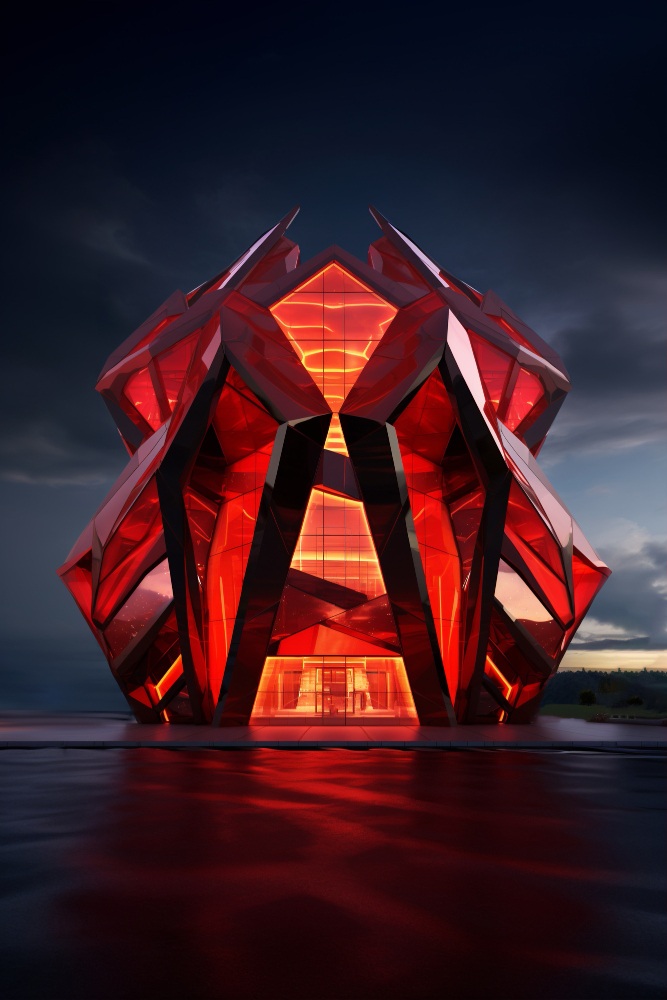
Image source - freepik.com
The Future of Parametric Design in Architecture
As architecture continues to evolve, the demand for professionals skilled in parametric design will grow. With the integration of AI, machine learning, and computational design, Rhino and Grasshopper will play an even more significant role in shaping the future of architectural design.
Architects with parametric skills will be at the forefront of technological innovation and will be able to lead sustainable and efficient design projects. According to a report by the AIA, firms that have adopted parametric design tools have seen a 20% increase in design efficiency, further proving the value of these tools in modern architecture.
How to Get Started with a Rhino Course
If you're ready to enhance your design skills, enrolling in a Rhino course is the perfect first step. These courses are often available online, allowing you to learn at your own pace. Many platforms also offer hands-on projects to ensure you get practical experience with Rhino and Grasshopper.
Key Features of a Rhino Course:
- Comprehensive Curriculum: From beginner to advanced levels
- Hands-On Learning: Projects that simulate real-world architectural challenges
- Expert Instructors: Courses led by industry professionals
- Community Support: Access to discussion forums and design critiques
Taking the first step towards mastering Rhino is an investment in your future as an architect. With this skill set, you'll be well-positioned to take on more complex projects and make a meaningful impact in the world of architecture.
Conclusion
Mastering Rhino for architects is about embracing a new way of thinking about design. With Rhino and Grasshopper, you'll gain the ability to create innovative, sustainable, and adaptable designs. As the demand for parametric architecture grows, so does the need for skilled professionals who can harness its full potential.
Ready to innovate? Join our Advance Rhino & Grasshopper Certification Course and learn the tools shaping the future of architecture.
Visit the Kaarwan website for more insights!
FAQs
1. Is Rhino a parametric modeler?
Rhino isn’t a fully parametric modeler, but it becomes highly capable of parametric design when paired with Grasshopper, a visual programming tool integrated into Rhino.
2. What do architects use Rhino for?
Architects use Rhino for 3D modeling, designing complex structures, and creating precise architectural forms. Its flexibility and precision make it ideal for unique design projects.
3. What is the best software for parametric designs?
Rhino, especially with Grasshopper, is among the best for parametric design, as it offers immense flexibility for creative and structural architectural designs.
4. Is Rhino similar to Solidworks?
Rhino and Solidworks differ mainly in purpose. Rhino focuses on organic 3D modeling, while Solidworks is better suited for engineering design and mechanical part modeling.
5. Is Rhino better than AutoCAD?
Rhino excels in 3D modeling and complex, freeform designs, whereas AutoCAD is more commonly used for 2D drafting. Rhino’s strength lies in its advanced design capabilities.
6. Is SketchUp better than Rhino?
SketchUp is user-friendly and ideal for quick, basic 3D models, but Rhino offers more advanced tools, making it better suited for intricate architectural and parametric designs.
7. Why is Rhino better than Revit?
Rhino provides better tools for freeform modeling and parametric design, while Revit focuses on building information modeling (BIM). Rhino’s flexibility makes it ideal for innovative designs.
8. Is Rhino easy to learn?
Yes, Rhino is generally user-friendly, especially for those with experience in 3D modeling. The learning curve varies based on the complexity of projects and desired skill level.
9. Should I learn Rhino or Solidworks?
Choose Rhino for architectural modeling and parametric designs, while Solidworks is better for mechanical and industrial design. Your choice depends on your field and design goals.




