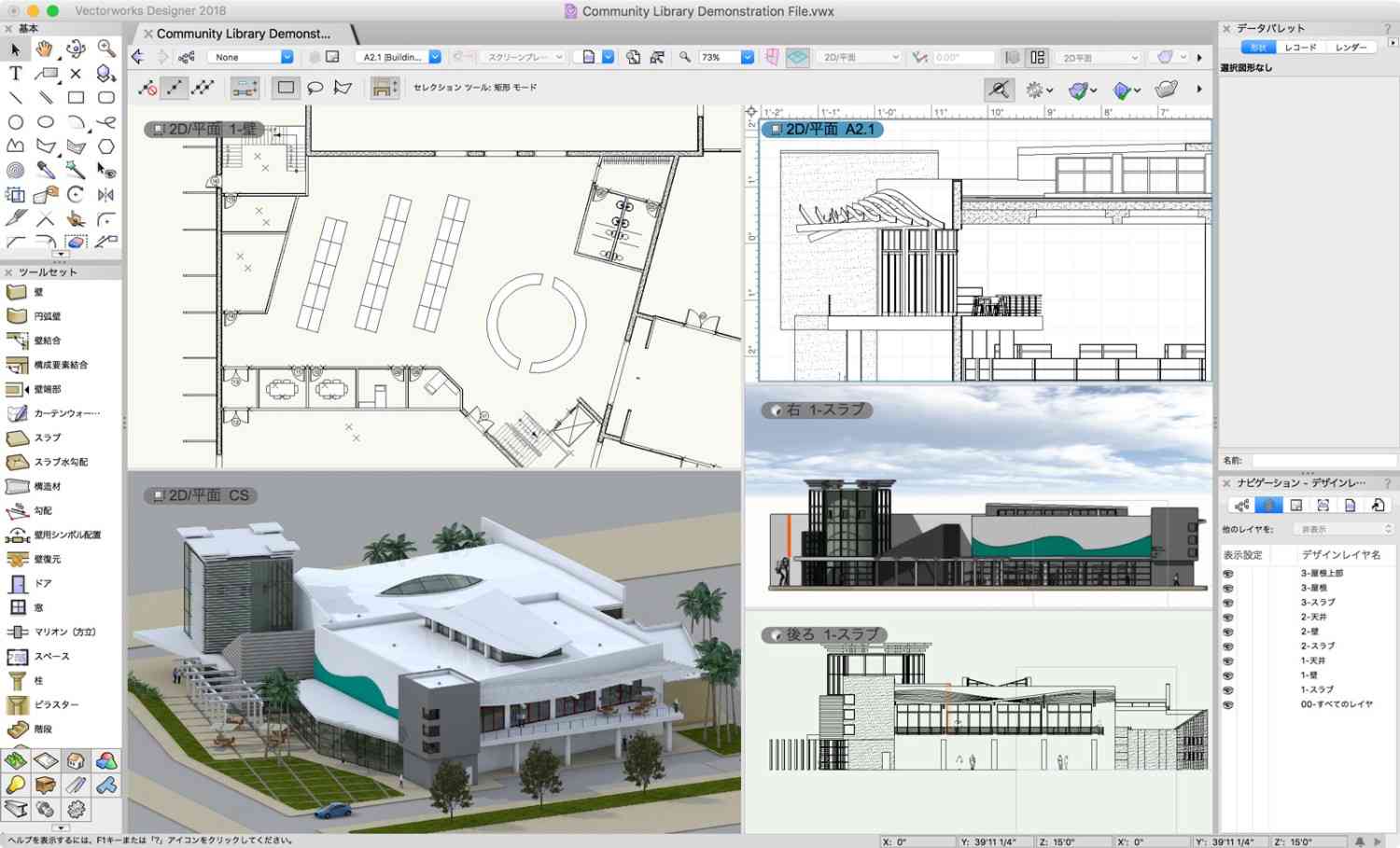
Building Information Modeling (BIM) has revolutionized the architecture, engineering, and construction (AEC) industry. For civil and structural engineers, choosing the right BIM software is crucial to streamlining workflows, improving collaboration, and enhancing project outcomes. However, with so many options available, evaluating BIM software can be overwhelming. In this guide, I will walk you through the essential factors to consider when selecting BIM software to ensure you make the best decision for your projects.
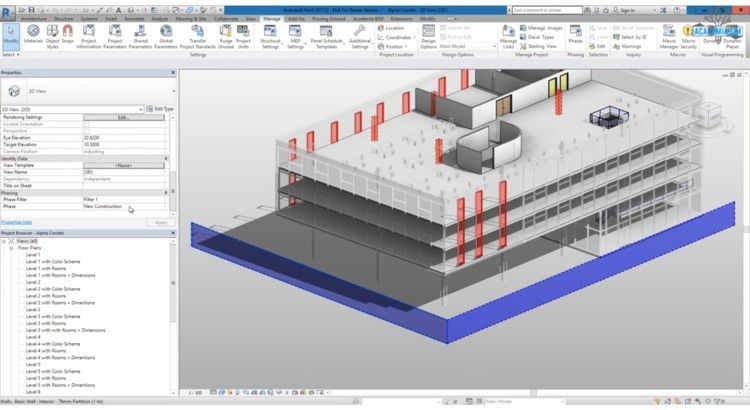
Image Credit: archdaily.com
Why BIM Software Matters for Civil & Structural Engineers
BIM software is more than just a 3D modeling tool; it enables better planning, collaboration, and execution throughout a project’s lifecycle. The right BIM solution can:
- Improve design accuracy and reduce errors
- Enhance team collaboration across disciplines
- Streamline documentation and regulatory compliance
- Optimize project scheduling and cost estimation
- Enable better structural analysis and sustainability assessments
- Improve cost predictability and waste reduction
- Facilitate a data-driven approach for better decision-making
- Support project lifecycle management, from design to maintenance
Understanding these benefits makes it clear why selecting the right BIM software is a critical decision.
Key Factors to Consider When Evaluating BIM Software
1. Modeling Capabilities & Accuracy
A BIM software's core function is modeling, so it must offer robust tools for civil and structural engineering needs. Key aspects to check:
- Parametric modeling for design flexibility
- High-detail modeling for accurate structural elements
- Integration with analysis tools to ensure precise calculations
- Support for various file formats (e.g., IFC, DWG, RVT) for interoperability
- Support for MEP integration to streamline multidisciplinary workflows
- Automated reinforcement detailing for structural accuracy
- Enhanced visualization tools for better design communication
2. Structural Analysis & Simulation Tools
Structural engineers need BIM software that can handle:
- Load calculations and stress analysis for safety assessments
- Finite element analysis (FEA) for material behavior predictions
- Seismic and wind load simulations for resilience planning
- Automated clash detection to prevent conflicts in design
- Structural stability simulations to ensure compliance with safety standards
- Real-time feedback mechanisms for continuous improvements
Top BIM solutions integrate these features seamlessly to enhance efficiency.
3. Collaboration & Cloud Connectivity
Modern construction projects involve multiple stakeholders, making collaboration crucial. Essential BIM features to look for include:
- Cloud-based sharing & real-time collaboration
- Version control and change tracking
- Multi-user access with role-based permissions
- Seamless integration with project management tools
- Interoperability with GIS systems to enhance project planning
- Real-time synchronization across different devices
- Cross-platform accessibility for enhanced remote working capabilities
A well-integrated BIM analysis software enhances workflow and reduces miscommunication.
4. Usability & Learning Curve
For both students and professionals, a software's learning curve matters. Consider:
- User-friendly interface and intuitive workflows
- Availability of tutorials and support documentation
- Strong community and user forums for troubleshooting
- Customizable dashboards and workspaces for efficiency
- Availability of AI-driven design assistance to simplify complex tasks
Some of the best BIM features come with software that balances power with ease of use.
5. Cost & Licensing Options
Budget is always a factor when selecting BIM software. Compare:
- Subscription vs. one-time purchase models
- Free trials or student versions for learning
- Scalability of licenses for growing firms
- Return on investment based on efficiency gains
- Hidden costs associated with add-ons and plug-ins
- Long-term affordability and upgrade costs
6. Integration with Other Tools
A good BIM software should work well with:
- CAD software like AutoCAD
- Structural analysis tools such as ETABS & SAP2000
- Project management software (e.g., Primavera, MS Project)
- GIS tools for site analysis
- Rendering and visualization tools like Lumion & Twinmotion
- Digital twin technology for asset management
- AI-driven automation tools for enhanced productivity
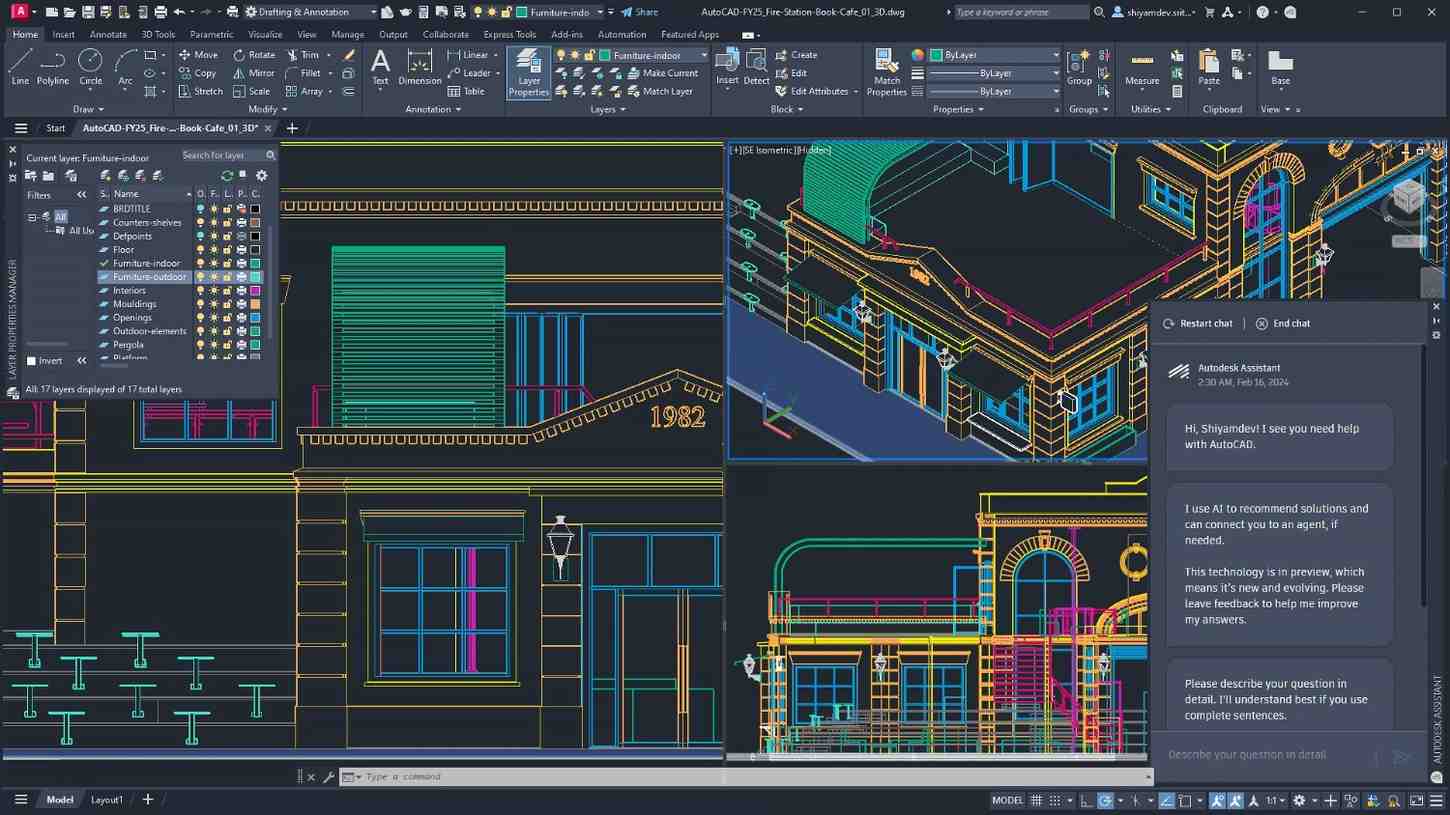
Image Credit: Autodesk.com
7. Compliance with Industry Standards
Ensure the software complies with:
- International BIM standards (ISO 19650, IFC formats)
- Building codes and regulations in your region
- Sustainability and green building certifications
- Government-mandated BIM protocols for large-scale projects
- Cybersecurity measures for cloud-based BIM operations
Compliance ensures your projects remain industry-compliant and future-proof.
Final Thoughts: Making the Right BIM Software Choice
Evaluating BIM software requires a balance of technical capabilities, ease of use, and cost considerations. By focusing on essential BIM features, structural BIM tools, and compatibility with existing workflows, you can make a well-informed choice that enhances efficiency and accuracy in your projects.
Looking to master BIM tools and take your expertise to the next level? Consider enrolling in an advanced BIM course designed for architecture and engineering professionals.
Visit our website Kaarwan for more!
FAQs
1.What is the best BIM software for structural engineers?
Revit and Tekla Structures are among the top choices due to their powerful modeling and analysis capabilities.
2.How does BIM improve structural engineering?
BIM enhances design accuracy, facilitates collaboration, reduces errors, and allows for better structural analysis and project management.
3.Is BIM software expensive?
Pricing varies widely; Autodesk Revit and Tekla Structures have subscription models, while some tools offer student versions for free.
4.What is the difference between BIM and CAD?
CAD focuses on 2D drafting and design, while BIM creates intelligent 3D models with embedded data for analysis and project coordination.
5.Can I use BIM software without prior experience?
Yes, but learning BIM requires training. Many tools offer beginner tutorials and courses to help users get started.
Cover Image Credit: parametric -architecture.com