

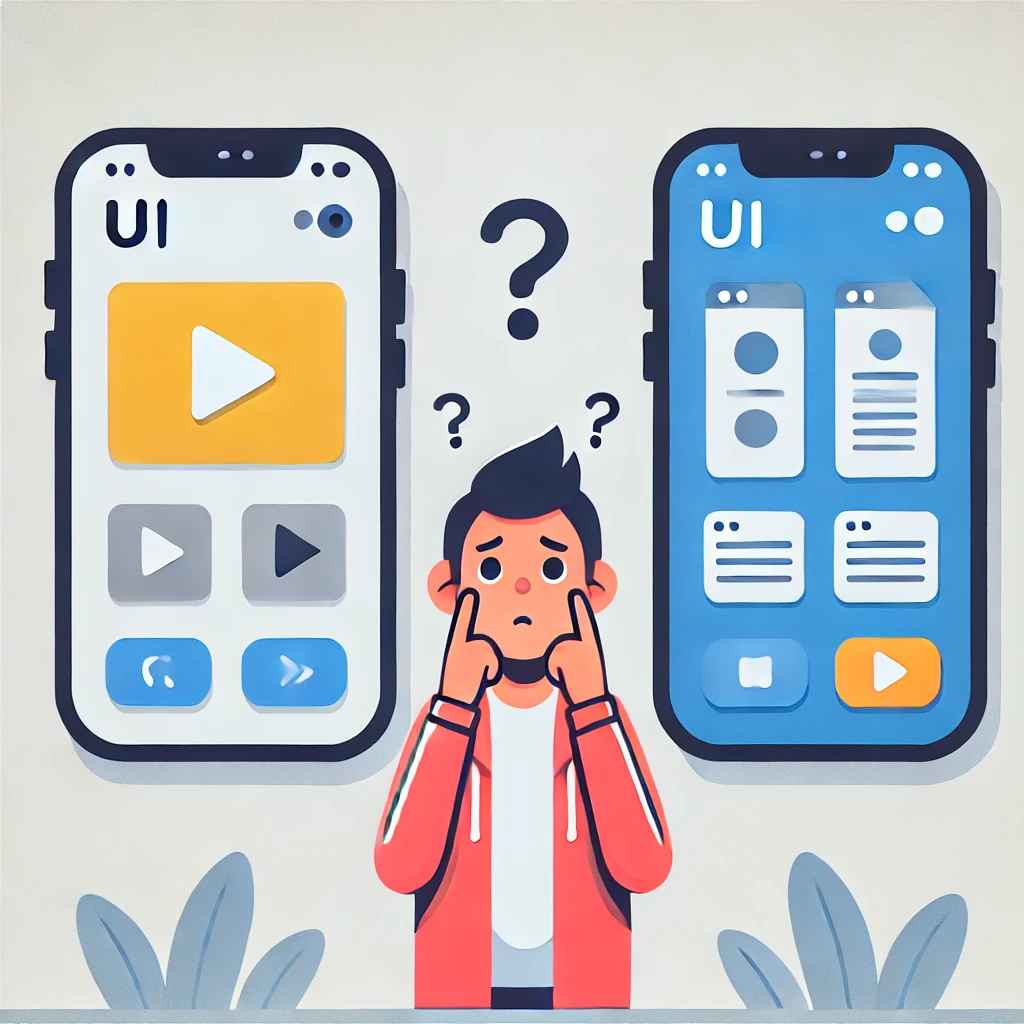
Every click, scroll, or purchase a user makes is not always a rational decision—it is often influenced by subconscious psychological factors. Whether it's the color of a button, the way choices are presented, or the placement of a call-to-action (CTA), user behavior follows predictable patterns based on cognitive biases, emotions, and decision-making shortcuts.
For UI/UX designers, understanding the psychology behind user choices is crucial. It helps create intuitive, persuasive, and user-friendly designs that enhance engagement, increase conversions, and ultimately drive business success. In this blog, we’ll dive deep into the science behind user decision-making and how designers can apply these insights to craft better digital experiences.
1. The Power of Cognitive Biases in Decision-Making
Cognitive biases are mental shortcuts that influence the way people process information and make choices. By leveraging these biases, designers can guide users toward desired actions while reducing decision fatigue.
A. Hick’s Law – The Simplicity Principle
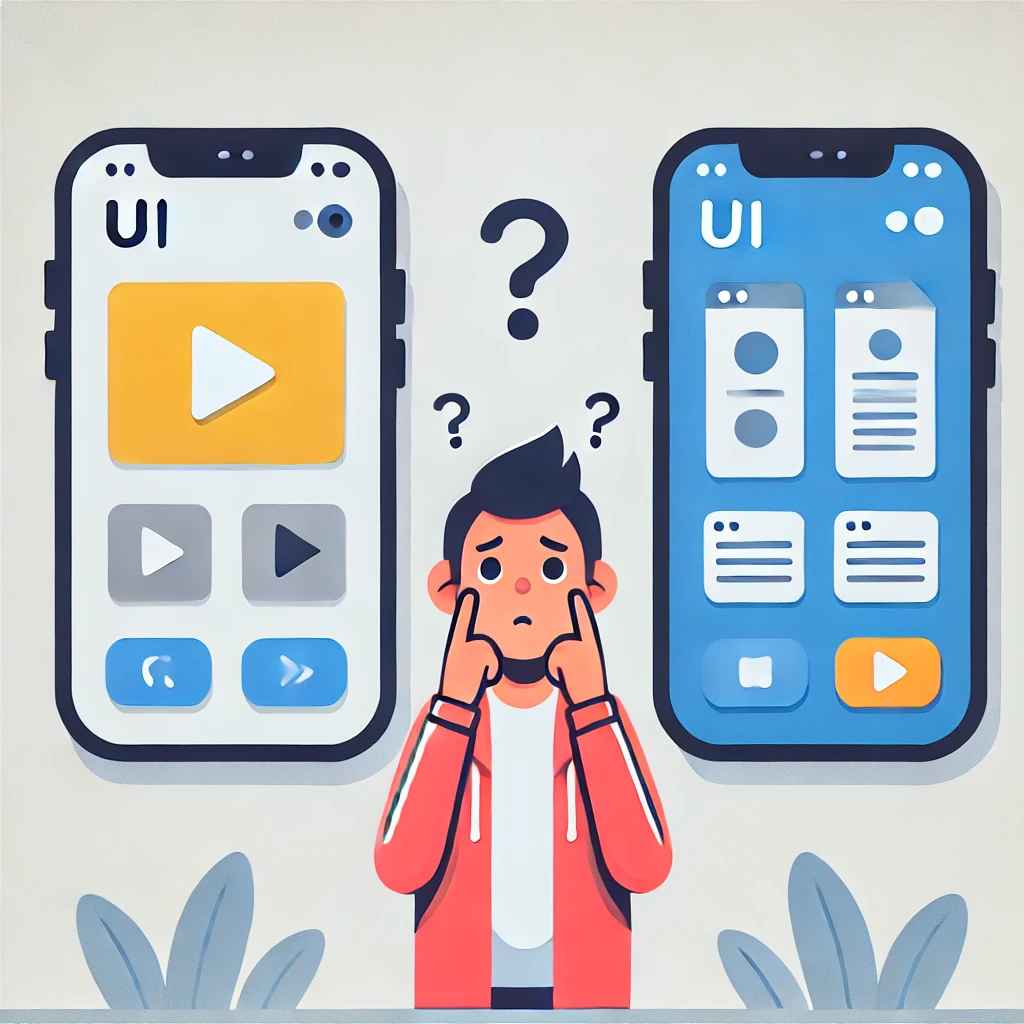
Hick’s Law states that the more choices a user has, the longer it takes to make a decision. This is why a cluttered interface overwhelms users, leading to indecision and drop-offs.
Best Practice: Simplify choices by grouping related options, using progressive disclosure, and prioritizing key actions to help users navigate effortlessly.
B. The Anchoring Effect – The Power of First Impressions
Users tend to rely heavily on the first piece of information they encounter, which influences subsequent decisions. This explains why e-commerce sites highlight the most expensive pricing plan first—it makes the other options seem more reasonable.
Best Practice: Use anchoring strategically by presenting premium options first or showing original prices before displaying discounts.
C. Loss Aversion – The Fear of Missing Out (FOMO)
Studies show that people feel the pain of loss more intensely than the joy of gaining something of equal value. This is why scarcity tactics—such as countdown timers, limited stock notifications, and exclusive offers—work so well in UX.
Best Practice: Create urgency by incorporating elements like “Only 2 seats left” or “Offer ends in 3 hours” to push users toward faster decisions.
2. Emotional Triggers: Designing for Feelings
Emotions drive user engagement. Whether it’s excitement, trust, or urgency, the way users feel about an interface directly impacts their behavior.
A. Color Psychology – Setting the Mood
Colors have a profound impact on perception and decision-making. For example, blue evokes trust and reliability (often used in finance and healthcare), while red creates urgency and excitement (common in sales promotions).
Best Practice: Use color strategically based on the emotions you want to elicit. Ensure accessibility by providing sufficient contrast for readability.
B. Personalization – Making Users Feel Valued
Users are more likely to engage with content that feels tailored to them. Personalized recommendations, dynamic content, and customized greetings enhance user satisfaction and retention.
Best Practice: Leverage AI and data analytics to personalize user experiences, such as recommending products based on browsing history or displaying content relevant to individual preferences.
C. The Halo Effect – First Impressions Shape Perceptions
The Halo Effect occurs when users form a positive overall impression based on one standout feature. If a website looks visually appealing and well-designed, users assume it is also reliable and trustworthy.
Best Practice: Prioritize aesthetic design, consistent branding, and smooth navigation to create a strong first impression that builds user trust.
3. The Role of Behavioral Psychology in UX
Users don’t always make logical decisions. Understanding behavioral psychology helps designers influence user actions and create frictionless experiences.
A. The Zeigarnik Effect – Keeping Users Engaged
The Zeigarnik Effect states that people remember incomplete tasks better than completed ones. This explains why progress bars, unfinished checklists, and saved drafts encourage users to return and complete an action.
Best Practice: Use progress indicators in multi-step processes like onboarding, sign-ups, and shopping carts to reduce abandonment rates.
B. The Reciprocity Principle – The Power of Giving
When users receive something valuable for free, they feel inclined to return the favor. This principle is commonly used in marketing through free trials, lead magnets, and exclusive content.
Best Practice: Offer valuable resources (e.g., free eBooks, templates, or trial periods) to establish trust and encourage conversions.
C. Social Proof – Trust Through Community Influence
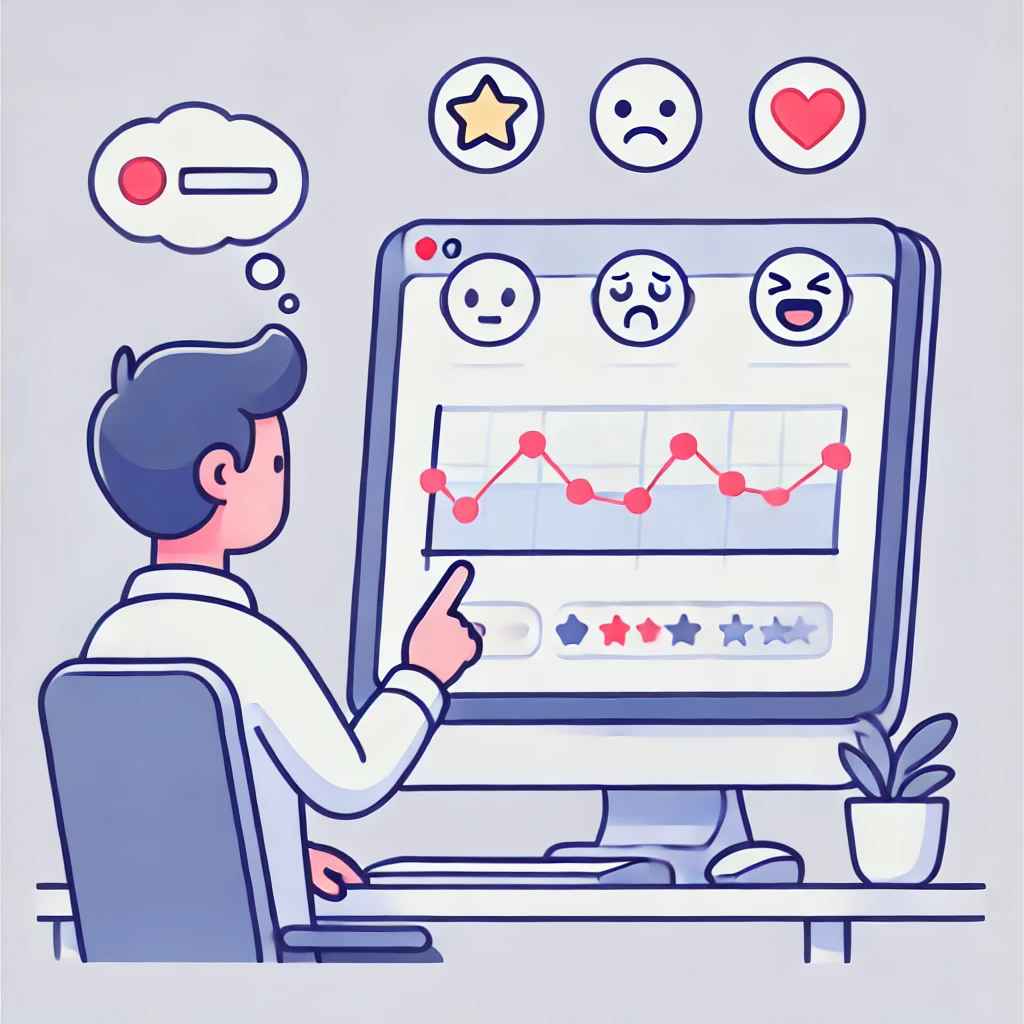
Users look to others when making decisions. Positive reviews, testimonials, case studies, and influencer endorsements all serve as powerful validation tools.
Best Practice: Showcase real user experiences, display customer testimonials, and integrate star ratings to build trust and encourage action.
4. Simplifying Decision-Making for Better Conversions
Decision fatigue is real. The more effort required to make a choice, the less likely users are to take action. Here’s how to streamline the user journey:
- Clear and Compelling CTAs: Action-oriented phrases like “Get Started,” “Try for Free,” and “Book a Demo” guide users toward the next step.
- Visual Hierarchy: Emphasize important elements using size, color, and spacing to naturally direct users’ attention.
- Chunking Information: Break content into digestible sections to prevent cognitive overload.
- Microinteractions & Feedback: Provide real-time feedback (e.g., “Password strength: Strong”) to help users feel in control.
Conclusion
User behavior is deeply rooted in psychology. By leveraging cognitive biases, emotional triggers, and behavioral psychology principles, UI/UX designers can create more engaging, intuitive, and conversion-driven experiences.
The goal is to strike a balance between persuasive design and ethical practices. When done right, psychology-driven UX design not only enhances business outcomes but also delivers a seamless and satisfying experience for users.
Level up your UI/UX skills! Learn to create stunning interfaces and seamless user experiences with our Advanced UI/UX Design Course. Boost your career and design products that stand out.
Enroll today at Kaarwan for more insights!
FAQs
1. How do cognitive biases affect UI/UX design?
Cognitive biases shape how users perceive information and make decisions. Designers can apply concepts like Hick’s Law and the Anchoring Effect to streamline user experiences and increase engagement.
2. Why is personalization important in UX design?
Personalization makes users feel valued by tailoring content and recommendations to their preferences. This enhances user satisfaction, increases retention, and drives conversions.
3. How can color psychology improve UX?
Different colors evoke different emotions. For example, blue builds trust, while red creates urgency. Choosing the right color scheme enhances user engagement and brand perception.
4. What role does social proof play in decision-making?
Social proof reassures users that others have had positive experiences with a product or service. Testimonials, reviews, and influencer endorsements help build trust and credibility.
5. How can UI/UX designers reduce decision fatigue?
Designers can simplify decision-making by minimizing options, using clear CTAs, organizing content logically, and providing visual cues to guide users effortlessly.




