Architectural model-building has been transformed by laser cutting, making precise and complex designs easily achievable. But when combined with Grasshopper, a parametric design tool included with Rhino, the possibilities expand even further.
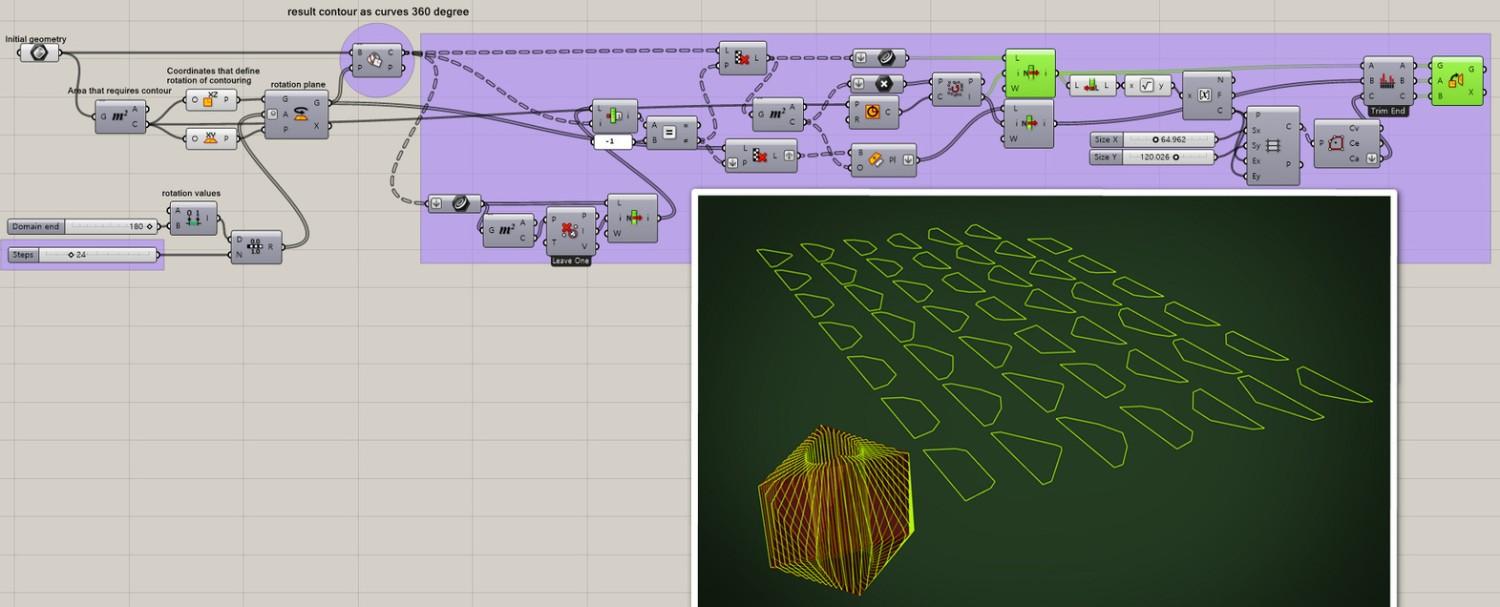
Image Credit: LinkedIn
Read more: Exploring FabTools for Advanced Fabrication in Grasshopper Software
Learning Grasshopper for laser cutting can be a game-changer whether you are a professional looking to streamline your workflow or an architecture student exploring digital fabrication.
This guide will walk you through key Grasshopper techniques for laser cutting, how it enhances architectural processes, and practical tips for achieving the best fabrication results.
Why Use Grasshopper for Laser Cutting?
Grasshopper is a visual scripting tool that enables designers to create intricate geometries using parametric modelling.
Advantages of Using Grasshopper for Laser Cutting:
- Automated Corrections – Guarantees precision and reduces fabrication errors
- Customisation – Allows real-time parameter adjustments without redrawing
- Material Efficiency – Generates designs to minimise waste, lowering costs
- Enhanced Creativity – Enables the creation of complex, generative designs that are difficult to achieve manually
Read more: Optimizing Grasshopper Models for Fabrication in Rhino Architecture
Setting Up Grasshopper for Laser Cutting
Before jumping into design, proper setup is essential. Follow these steps:
1. Creating the Base Geometry
- Define design constraints before modelling
- Create basic 2D profiles within Rhino
- Use Grasshopper's "Curve" components to extract and manipulate these geometries
- Ensure closed curves where necessary to prevent fabrication errors
2. Assigning Material Constraints
Laser cutters require well-organized and precise files. Grasshopper helps by:
- Setting material thickness using "Offset" commands
- Assigning cutting, etching, and engraving paths by differentiating layer colors
- Joining fragmented curves using "Join Curves" for smoother cutting
Read more: Efficient File Optimization for Parametric Design Fabrication
3. Optimising Nesting Layouts
Material efficiency is critical in fabrication. Grasshopper can help with automated nesting:
- Use the "PackRat" plugin for automatic nesting
- Use "Move" components to manually arrange parts within material constraints
- Ensure proper spacing between parts to avoid burn marks
Read more: Digital Fabrication Simplified with Parametric Modelling
Essential Grasshopper Components for Laser Cutting
1. Boolean Curves
- Ensures precise cutting paths
- Helps to clean overlapping shapes
2. Lists and Dispatch Management
- Separates cutting and engraving layers
- Organises data for efficient processing
Read more: Algorithmic Design in Grasshopper: The Future of Parametric Modelling
3. Scale and Offset
- Adjusts for kerf compensation (material burned away during cutting)
- Maintains accurate dimensions
4. Panelling Tools
- Useful for architectural facades and perforated patterns
- Ideal for creating laser-cut modular panels
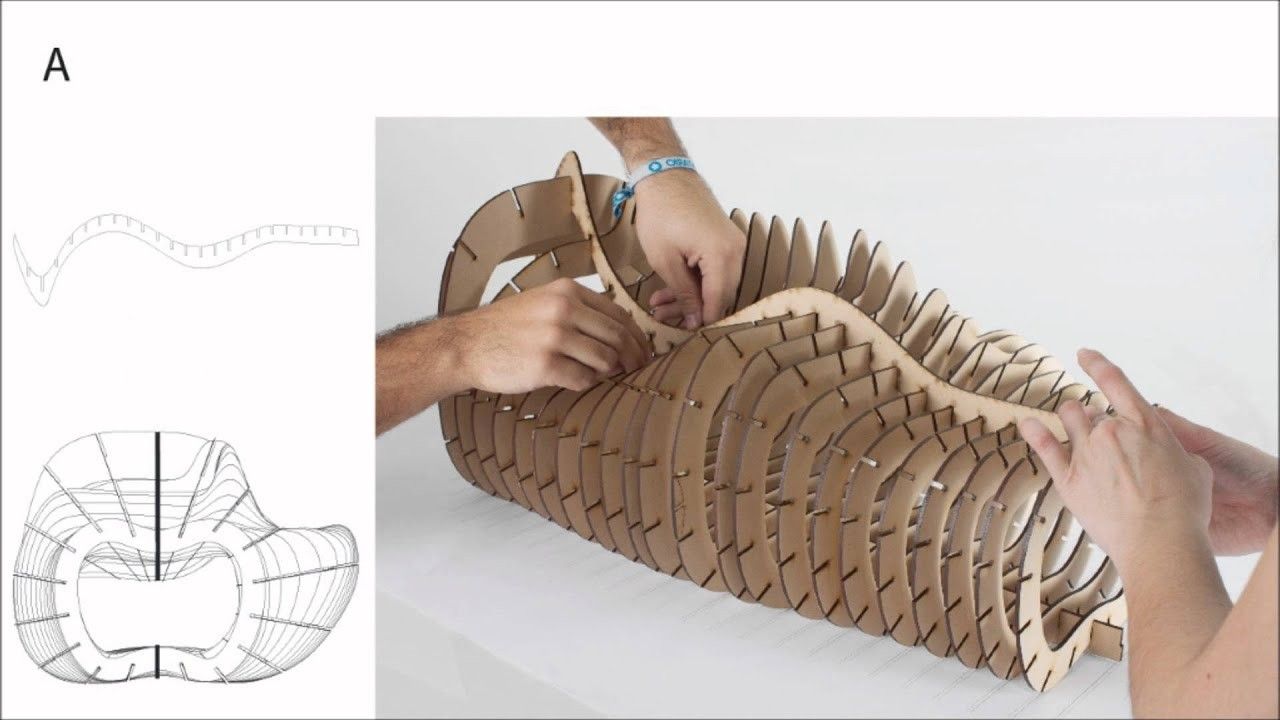
Image Credit:McNeel Forum
Read more: Algorithmic Design in Grasshopper: The Future of Parametric Modelling
Fabrication Considerations
1. Choosing the Right Material
Grasshopper software is compatible with many materials, but understanding laser cutting properties is crucial:
- Acrylic – Provides high precision but produces fumes (ensure proper ventilation)
- Plywood – Good for models but edges may burn
- MDF – Affordable and easy to cut, but creates fine dust
2. Understanding Kerf Compensation
Kerf refers to the width of material removed by the laser.
- Perform test cuts to measure kerf
- Use Grasshopper’s "Offset" component to adjust for material loss
3. Exporting Files for Cutting
- Convert parametric Grasshopper geometry into editable Rhino curves using "Bake"
- Export files as DXF or AI (Adobe Illustrator) format
- Use correct line colors:
- Red – Cutting
- Blue – Engraving
Read more: Advanced Techniques for Visualizing Parametric Designs in Rhino
Advanced Applications of Grasshopper in Architecture
1. Parametric Facade Construction
- Architects use Grasshopper to create intricate facade panels
- These panels are then fabricated as scaled laser-cut models
2. Furniture Prototyping
- Grasshopper can generate CNC-cut furniture with interlocking systems
- The same principles apply to laser-cut scale models
3. Vastu-Inspired Modular Designs
- By integrating Vastu principles, Grasshopper helps to create harmonious parametric structures
Read more: From Sketch to Structure: Rhino and Grasshopper
Conclusion
Grasshopper brings parametric control to laser cutting in architecture, helping both students and professionals create precise, detailed models quickly.
Regardless of your skill level, continuous Grasshopper training will enhance your abilities and streamline your workflow.
Want to master these hands-on skills? Explore our Rhino and Grasshopper Architecture courses to expand your knowledge.
Visit our website Kaarwan for more!
FAQs
1. Can I use Grasshopper without knowing Rhino?
No, Grasshopper is a Rhino plugin, so basic Rhino knowledge is essential.
2. What file format should I export from Grasshopper for laser cutting?
The most commonly used format for laser cutting is DXF.
3. How can I minimise material waste during laser cutting?
Use Grasshopper’s nesting capabilities, such as the "PackRat" plugin, to arrange parts efficiently on a sheet.
4. Can Grasshopper help me incorporate Vastu principles into parametric design?
Yes! By defining constraints, you can use Grasshopper to design Vastu-aligned layouts.
5. What other industries use Grasshopper besides architecture?
Grasshopper is widely used in:
- Industrial design
- Jewelry manufacturing
- Automotive prototyping
Cover Image Credit: LinkedIn