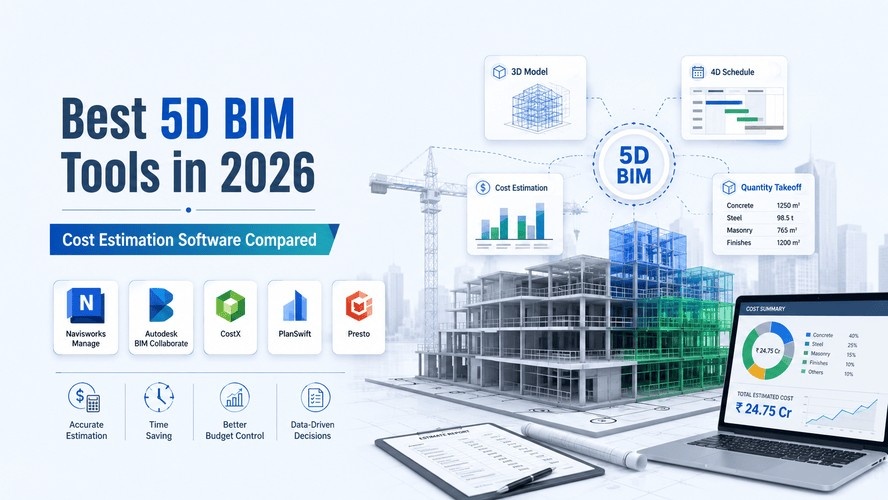
If you've spent any time around a construction site or a QS's desk, you already know the pain. Someone changes the façade from brick to glass on a Tuesday, and suddenly three people are re-measuring, re-quoting, and re-scheduling for the rest of the week. That's the exact gap 5D BIM was built to close — and if you've read our what is 5D BIM explainer already, you know it's basically 3D modeling plus time plus cost, all talking to each other in real time.
But knowing what 5D BIM is doesn't tell you which software to actually open tomorrow morning. That's the harder question. There's no shortage of tools claiming to be "5D BIM software," and honestly, half the market is just quantity takeoff plugins wearing a fancier label. So let's cut through it — this is a practical, no-fluff look at the tools that genuinely deliver on cost estimation and quantity takeoff, and who each one actually makes sense for.
Also Read : What is 5D BIM? Meaning, Benefits & How It Works
What to Look for in 5D BIM Software
Before jumping into names, it helps to have a filter in your head. Not every "BIM cost tool" earns the 5D label. Here's what actually separates a real 5D BIM software from a glorified spreadsheet with a 3D viewer bolted on:
- Quantity takeoff accuracy — can it pull real quantities straight from model elements, not just approximate them?
- Cost database integration — does it connect to a live rate library, or are you manually keying in unit costs every time?
- Revit / Navisworks compatibility — most projects still live in the Autodesk ecosystem, so file compatibility isn't optional.
- Real-time update capability — when the design changes, does the cost update automatically, or do you start over?
Keep these four in mind as you go through the list below. Some tools nail all four. Others are strong in one area and average everywhere else — and that's fine, as long as you know what you're picking it up for.
Top 5D BIM Software Tools
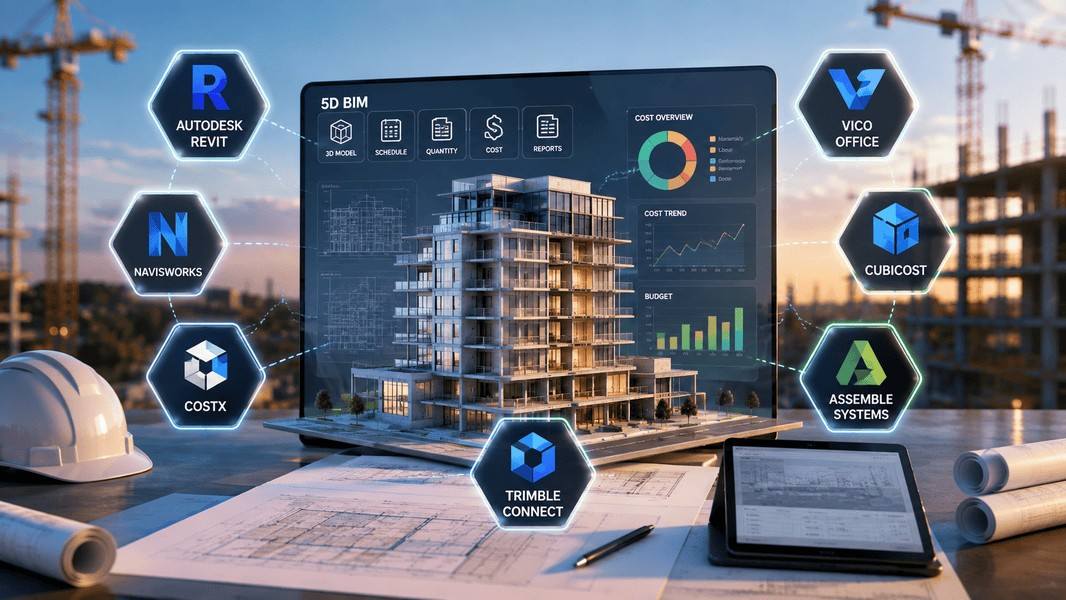
Autodesk Revit (with cost/QTO plugins)
Revit itself is a modeling tool first, but paired with quantity takeoff plugins and schedule tools, it becomes a genuinely capable 5D environment — especially since most of your project data is probably sitting inside Revit anyway. Its real strength is that quantities are pulled straight from the model's parametric elements, so when a wall type changes, the schedule reflects it almost instantly. It's best suited for teams already working in Revit who want to extend their existing model rather than export into a separate estimating tool. The catch: Revit's native scheduling isn't a full cost-estimation engine, so you'll still need a plugin or a companion tool for serious 5D work — it's a strong foundation, not a complete solution on its own.
Also read: Quantity Takeoff Using Revit for a full breakdown of this workflow.
Navisworks
Navisworks doesn't model anything — it's a coordination and review layer that sits on top of Revit, Civil 3D, and other authoring tools. Its 5D strength comes from combining 4D scheduling with quantity and cost data across federated models, so you can actually watch a project's cost accrue as construction sequences play out. It's the go-to for BIM coordinators and construction teams who need to check cost and clash issues in the same review session. The limitation is obvious once you sit down with it: you need Revit or another authoring tool feeding it clean models first, because Navisworks has no design capability of its own.
Vico Office
Vico Office (now under Trimble) was actually one of the earliest tools built specifically around model-based estimating and scheduling, and it still holds up as a dedicated 5D environment rather than a bolt-on. Its core strength is genuinely integrated design-cost-schedule workflows — you're not stitching together three separate tools, it's meant to work as one suite. It suits mid-to-large construction firms that want cost and schedule management built around the model from day one, not added later. The trade-off is a real learning curve; it's not something you pick up in an afternoon, and smaller teams may find it more infrastructure than they need.
CostX (RIB CostX)
RIB CostX has built a solid reputation among quantity surveyors specifically because it treats 5D as core functionality, not an add-on. You can take off quantities directly from 2D drawings, 3D CAD, or full BIM models, and its live-linked workbooks update automatically when the model changes — genuinely useful when a client keeps requesting "just one more revision." It's best for QS professionals and estimators who want a dedicated estimating tool rather than a modeling-plus-estimating hybrid. One limitation worth flagging: it's a specialist estimating tool, so if your team also needs strong 3D modeling or coordination features, you'll be pairing it with something else.
Cubicost
Cubicost is built specifically for quantity takeoff and cost estimation from BIM models, and it's become a popular pick in markets where budget-conscious firms still want proper 5D functionality without an enterprise price tag. Its strength is fast, automated takeoff directly from IFC and Revit files, with reporting that's genuinely built for estimators rather than designers. It works well for small-to-mid firms and students getting hands-on with quantity takeoff workflows for the first time. The limitation: it's less established globally compared to Autodesk or Trimble tools, so support resources and community documentation can be thinner depending on your region.
Assemble Systems
Assemble (part of Autodesk Construction Cloud) takes a slightly different angle — it's cloud-based, and it's built to let non-modelers, like estimators and project managers, interact with BIM data without needing to open Revit at all. Its 5D strength is in organizing and querying model data by cost codes, WBS, or custom properties, which makes it genuinely useful for teams generating quantity reports across huge, complex models. It's best suited for large firms managing multiple stakeholders who need model data but shouldn't be poking around inside the authoring software. The limitation is that it leans more toward data organization and reporting than deep cost analysis — you'll likely still want a dedicated estimating tool alongside it.
Trimble Connect
Trimble Connect is primarily a cloud collaboration platform, but it's earned its spot here because of how it ties model data, cost information, and schedule together across a federated project environment — especially useful when your project stack includes Tekla, SketchUp, or Vico. Its strength is centralizing everything in one accessible place so stakeholders aren't emailing spreadsheets back and forth. It's best for multi-discipline teams already working across the Trimble ecosystem. The limitation: on its own, it's more of a hub than a dedicated 5D estimating engine, so it works best alongside a tool like Vico Office or CostX rather than replacing one.
Learning 5D BIM tools on your own can eat months. Kaarwan's BIM course shortens that curve with structured, project-based practice built for real workflows.
Comparison Table
Compare the leading 5D BIM tools side by side to understand their strengths, ideal users, and learning curve before choosing.
| Tool | Primary Use | Best For | Learning Curve |
| Autodesk Revit (+ QTO plugins) | Modeling with attached quantity takeoff | Teams already working in Revit | Moderate to steep |
| Navisworks | 4D/5D coordination and clash review | BIM coordinators, contractors | Moderate |
| Vico Office | Integrated model-based estimating & scheduling | Mid-to-large construction firms | Steep |
| CostX (RIB CostX) | Dedicated 5D quantity takeoff & estimating | Quantity surveyors, estimators | Moderate |
| Cubicost | Automated BIM-based takeoff | Small-mid firms, students | Gentle to moderate |
| Assemble Systems | Cloud-based model data organization | Large firms, non-modelers | Gentle |
| Trimble Connect | Cloud collaboration across model/cost/schedule | Multi-discipline Trimble-based teams | Gentle |
How to Choose the Right Tool for You
Honestly, the "best" tool depends a lot on where you're standing right now.
If you're a student or early-career professional, start with something you can actually get your hands on without a corporate license — Cubicost or Revit's built-in scheduling tools are a reasonable place to build fundamentals before you're expected to know an enterprise suite on day one of a job.
If you're a working professional already inside a firm's workflow, the decision usually isn't really yours to make solo — it's about getting fluent in whatever your team has already standardized on, whether that's CostX, Navisworks, or Vico.
If you're evaluating at firm level, the honest answer is you're probably not picking one tool — you're picking a stack. A modeling tool, a coordination layer, and a dedicated estimating engine, working together rather than one piece of software trying to do everything.
Also explore: How to Choose the Best BIM Software for Civil & Structural Engineers if you want the broader, non-5D-specific version of this decision.
Wherever you land, the tool matters less than knowing how to actually use its 5D features properly — that's usually the real gap between someone who's "used Revit" and someone who can run a live cost estimate off a changing model without breaking a sweat. If you want that kind of hands-on training on these tools, our BIM course walks through exactly this.
Want to actually run cost estimates from a live BIM model instead of guessing at quantities? Kaarwan's BIM course gets you there with hands-on, tool-based training.
Conclusion
There's no single "winner" in this list — the right 5D BIM software is the one that matches how your team actually works, not the one with the flashiest feature list. Pick based on your role and your workflow first, and let the hype settle somewhere else.
Frequently Asked Questions
Which software is best for 5D BIM cost estimation?
There isn't one universal answer — it depends on your role. Quantity surveyors often lean toward dedicated estimating tools like CostX, while contractors managing coordination tend to prefer Navisworks or Vico Office for their combined scheduling and cost features.
Can Revit alone handle 5D BIM, or do I need additional software?
Revit gives you a strong modeling foundation and can pull quantities from model elements, but on its own it isn't a full cost-estimation engine. Most teams pair it with a dedicated estimating or QTO plugin to get genuine 5D functionality.
Is 5D BIM software expensive for beginners?
Pricing varies a lot depending on the tool and license type. For a full breakdown of what these platforms actually cost, check out our full BIM software pricing breakdown.